What smart home ads need to show
A smart home product is a small box that changes something a packshot can't show: a light that comes on by itself, a door you can answer from somewhere else. That's why spec-first ads struggle here. Wi-Fi bands, app screenshots and lists of compatible systems matter to buyers, but they're the second question. The first is "when would I notice this?"
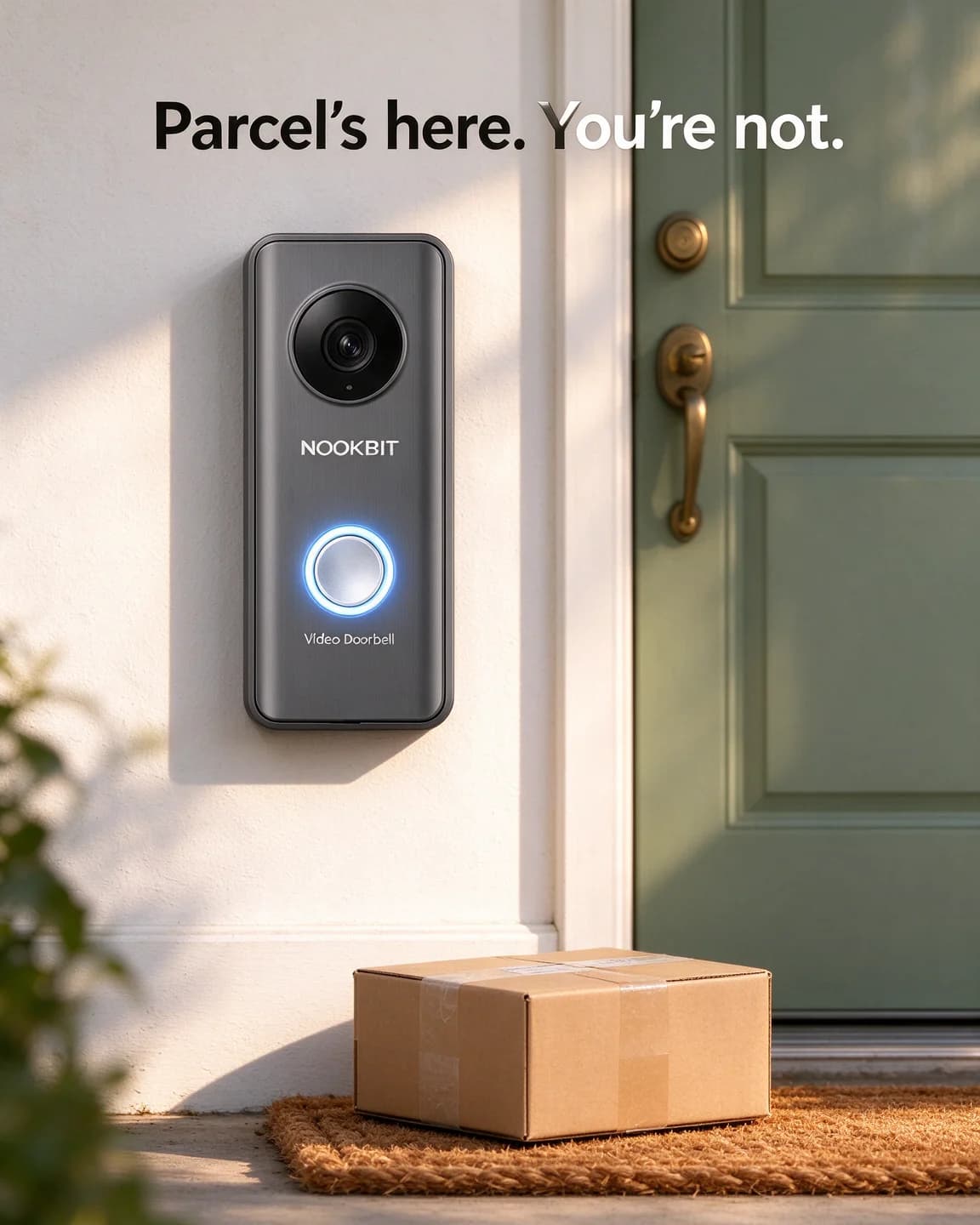
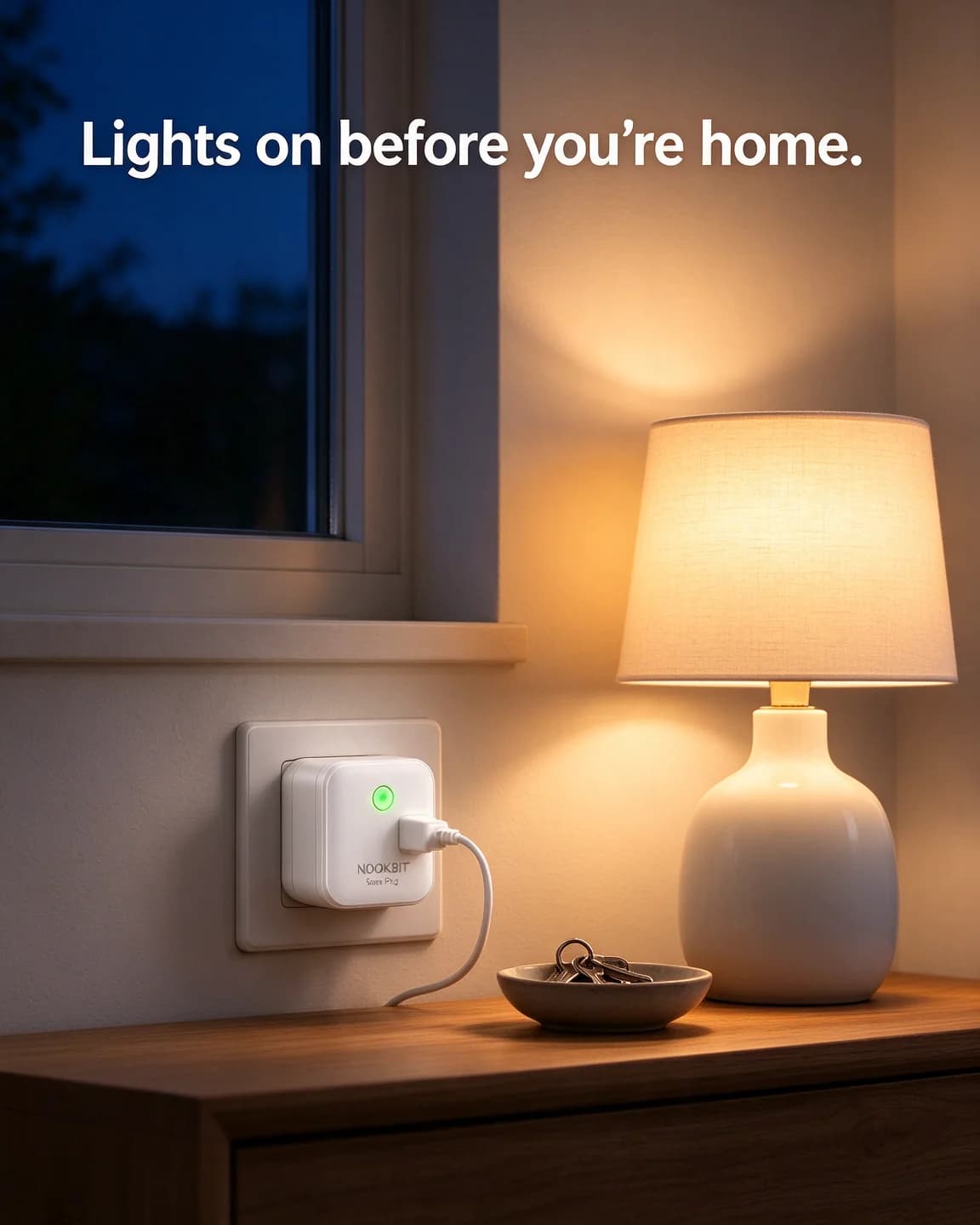
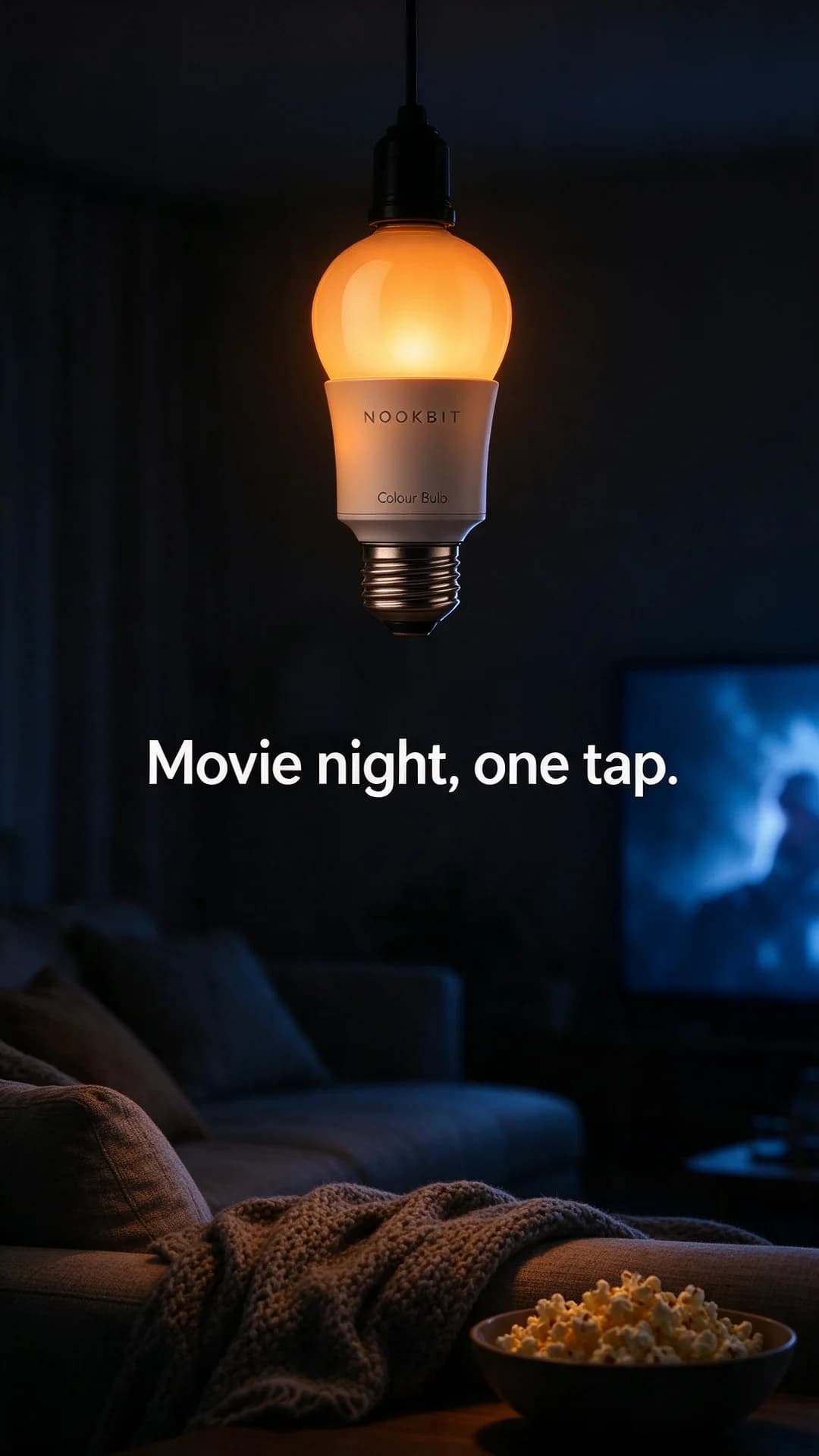
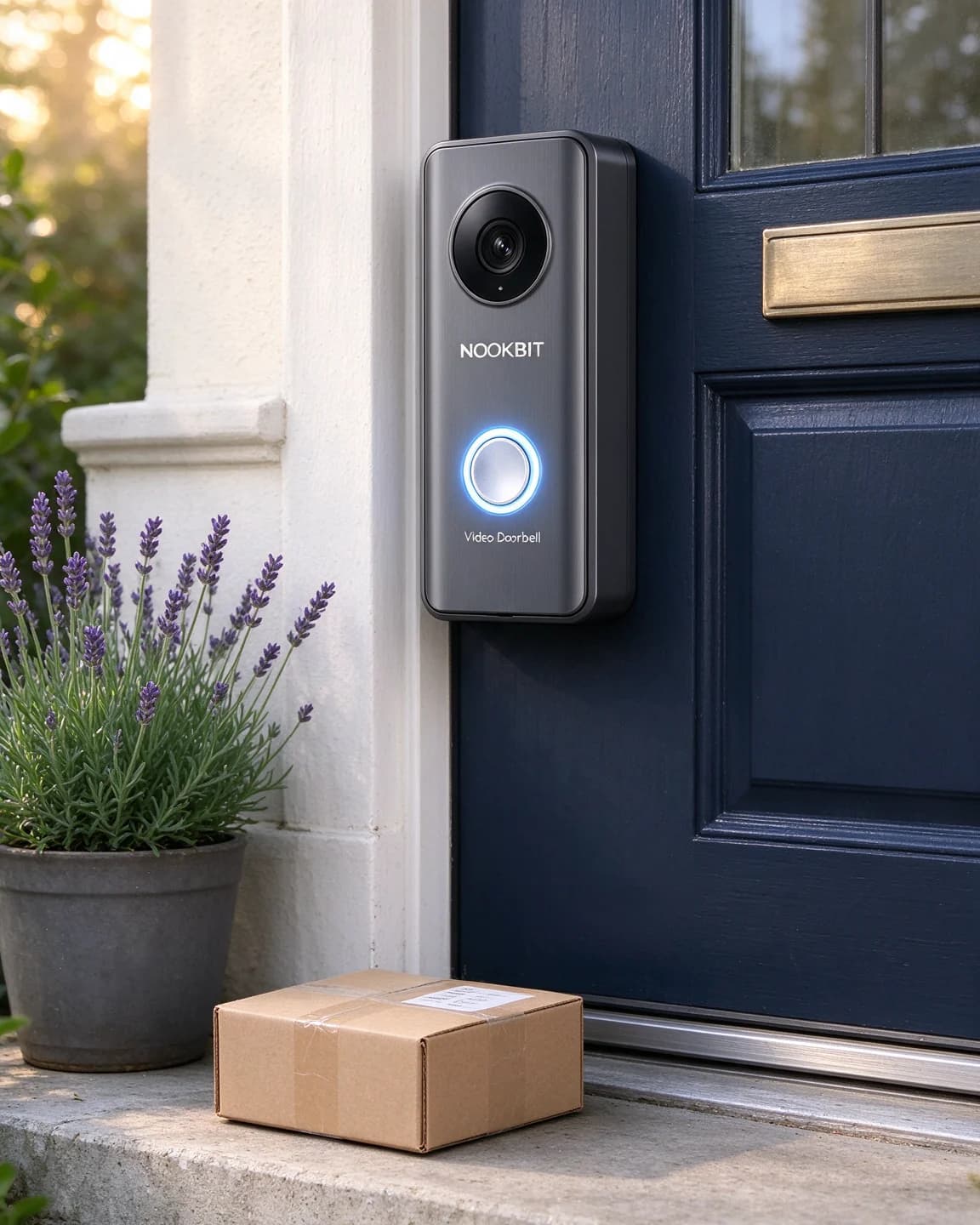
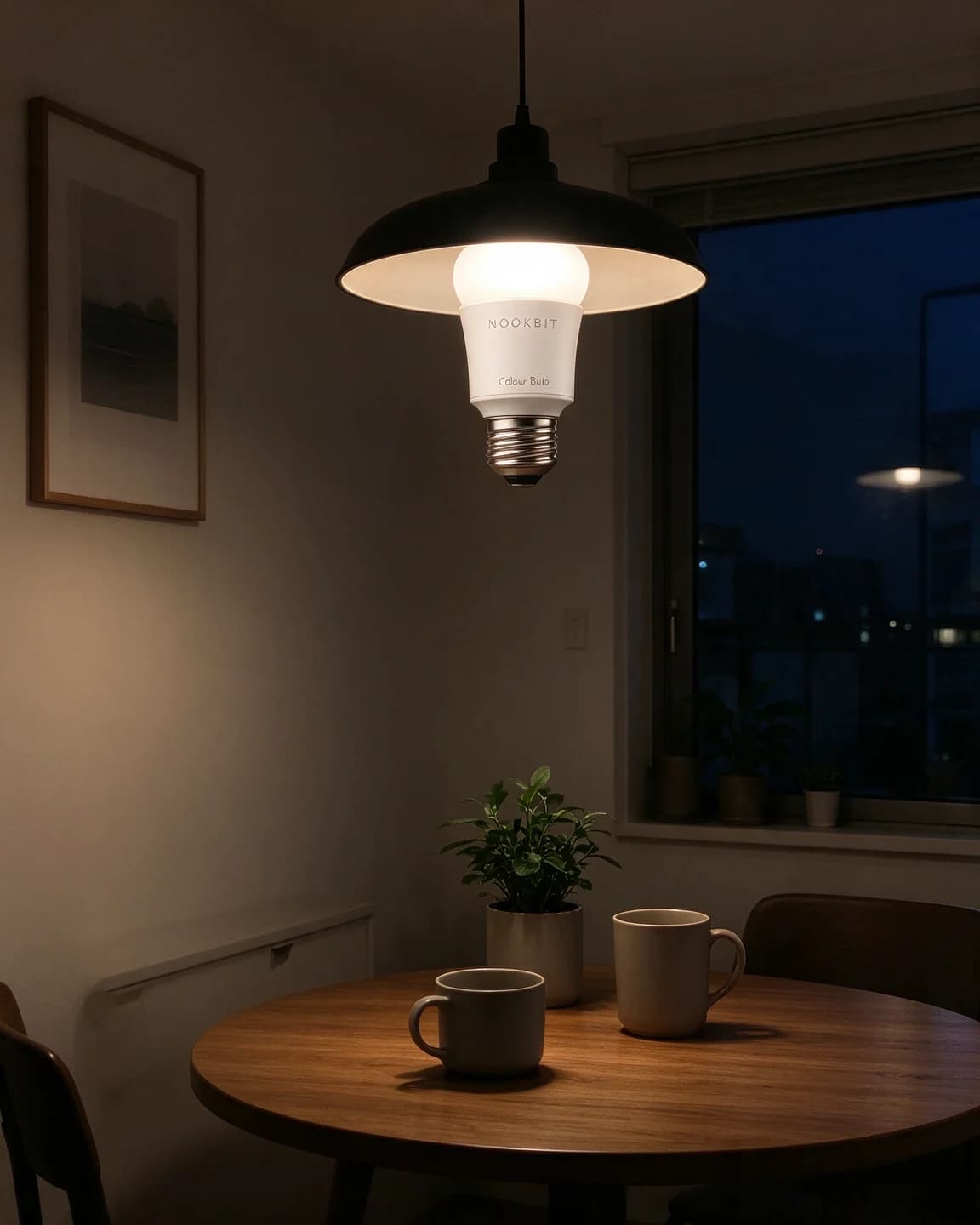
The ads above answer that with a moment. A parcel waiting on a doormat. A lamp already glowing when the window behind it has turned blue. A living room in amber light with a film about to start. In each one the product is clearly in frame, but the scene does the selling, and the headline only has to name what the viewer is already looking at.
The second job is removing doubt. Smart home purchases stall on three worries that have little to do with features:
- Will I manage to fit it? Drilling, wiring and pairing sound like a weekend job to someone who has never done one.
- Will it work with what I have? The router, the lamp, the phone, the speaker on the kitchen shelf.
- What does it record, and who sees it? For anything with a lens or a microphone, privacy is part of the product.
One ad per worry is a good rule. Here is how the eight ads above split between the first question and the three doubts:
| Ad | Product | The question it answers |
|---|---|---|
| Parcel's here. You're not. | Doorbell | When would I notice it? |
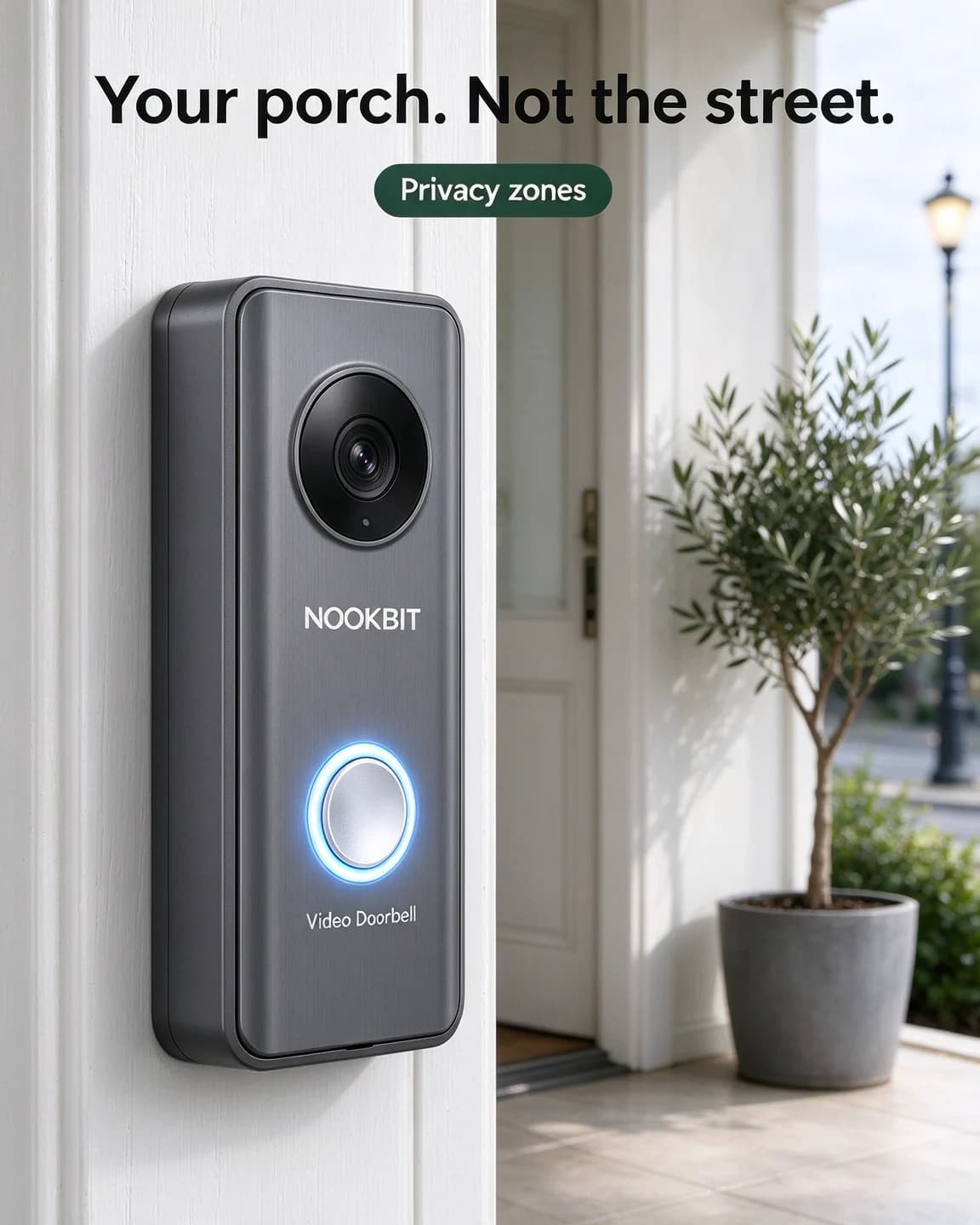
| Your porch. Not the street. | Doorbell | What does it record? |
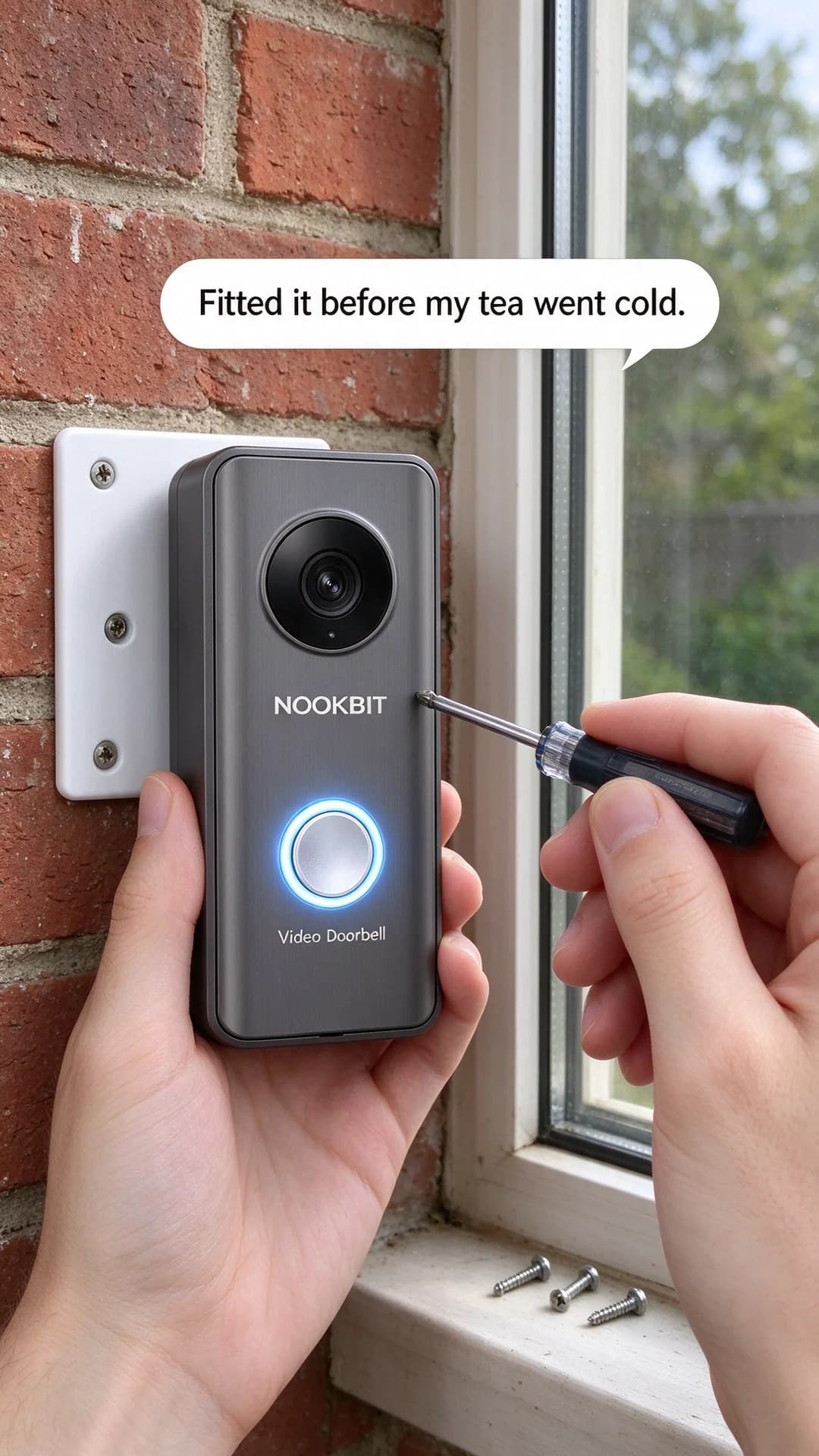
| Fitted it before my tea went cold. | Doorbell | Can I fit it myself? |
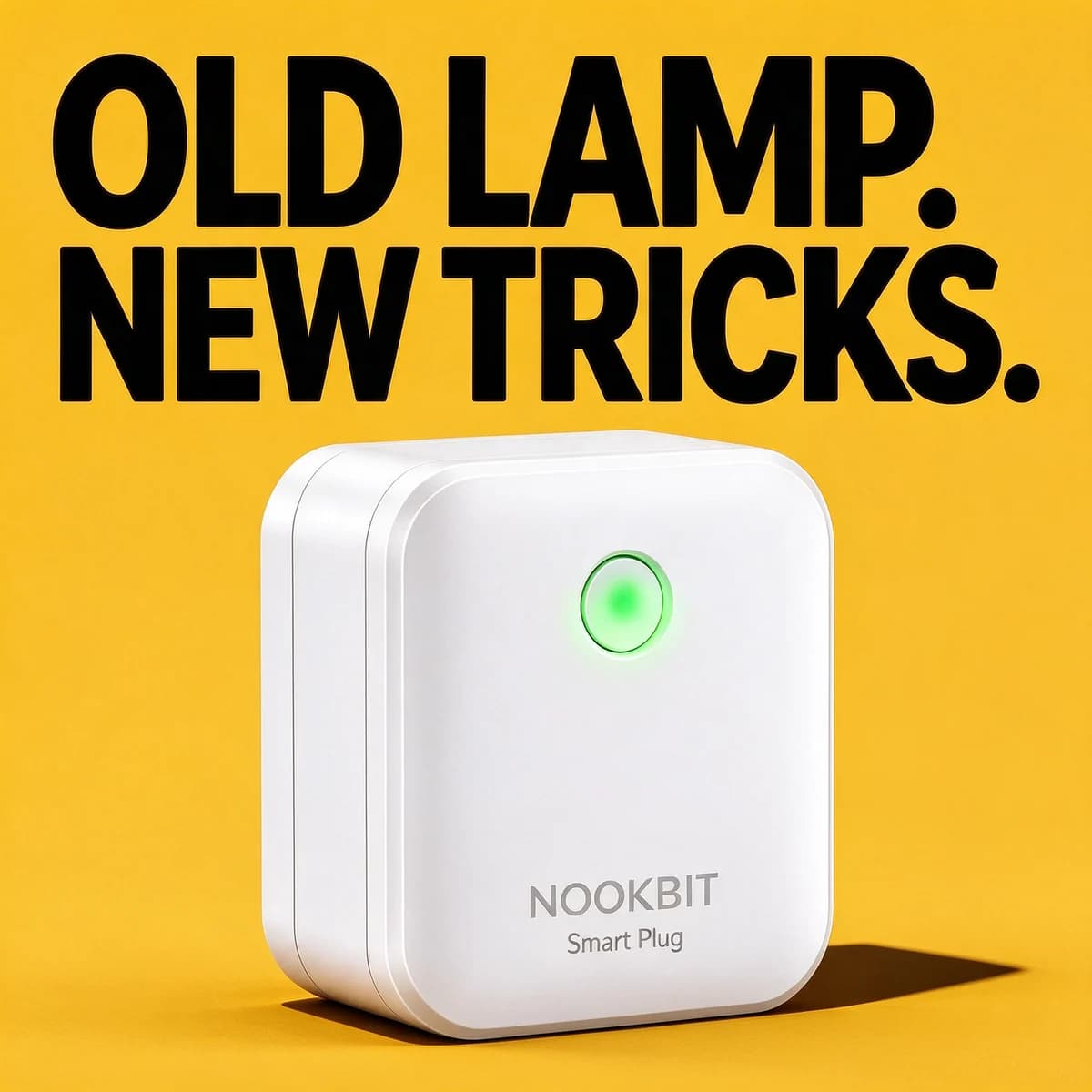
| Old lamp. New tricks. | Plug | Do I have to replace my lamp? |
| Lights on before you're home. | Plug | What does a schedule look like? |
| Movie night, one tap. | Bulb | How will the room feel? |
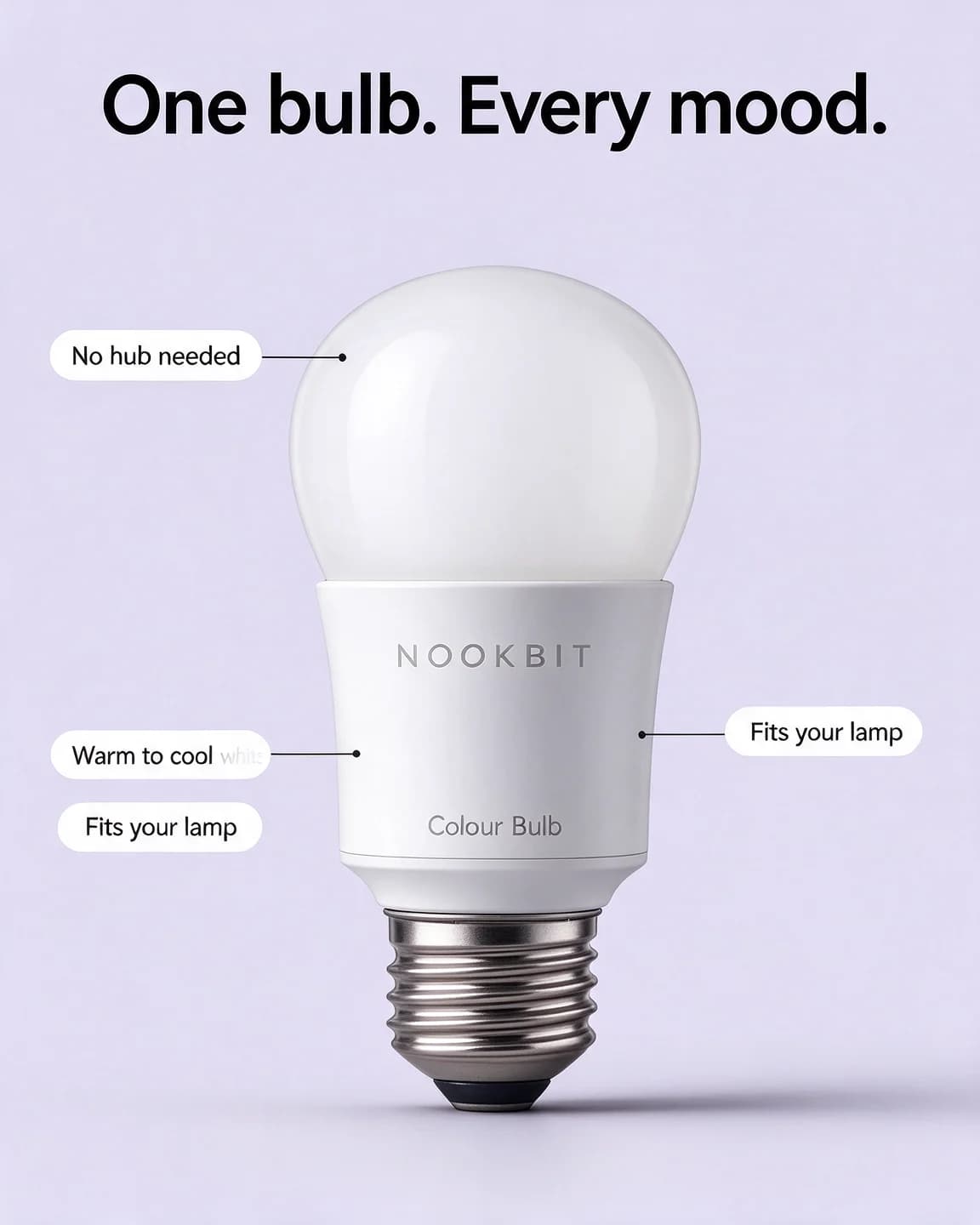
| One bulb. Every mood. | Bulb | Will it work with what I have? |
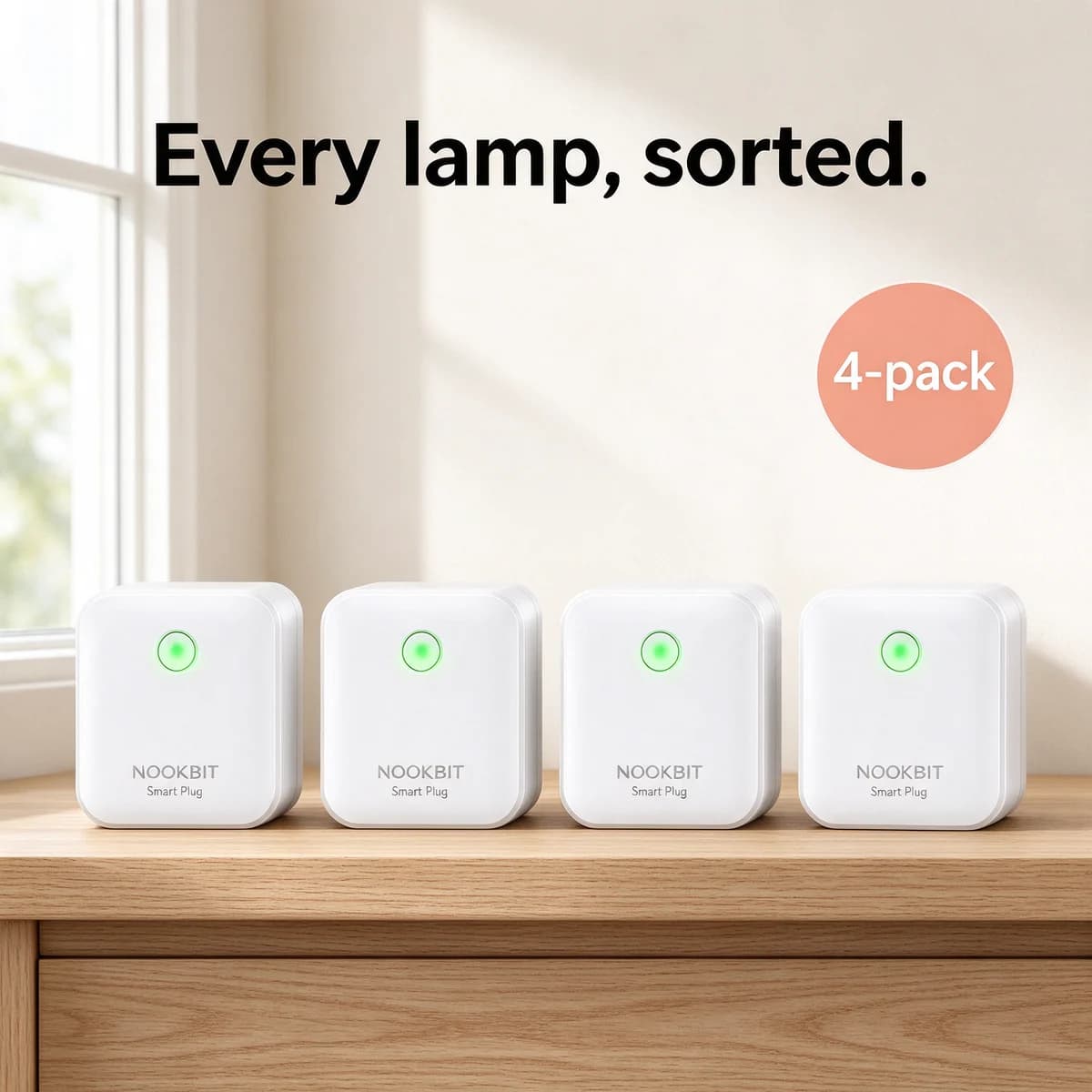
| Every lamp, sorted. | Plug | Is one plug enough? |
Only the callout ad lists features, and even there each label answers a question rather than quoting the spec sheet. If your support inbox is full of one particular question, that question deserves two ads, not one.
Shots that work for doorbells, plugs and bulbs
Video doorbells
Mount it at a real door, at a real height, with something happening on the step: a parcel, a bag of shopping, a dog lead on a hook. Keep people out of the frame or show them from behind, so viewers picture their own visitor. If a phone screen appears, show the porch and nothing beyond it. That keeps the ad honest about what the camera sees and well away from the street.
Smart plugs
A plug is the least photogenic product in the category, so photograph what it powers: a table lamp at dusk, fairy lights on a balcony railing, a fan in a bedroom on a summer night. The plug should sit in the socket with its logo readable, and the thing it controls should be visibly on. A flat colour block with one bold line is the other route, because it turns a small white box into a graphic object.
Bulbs and lighting
Sell the colour of the room, not the bulb. Shoot in a dim space so the light has something to fill, keep the bulb visible in a bare pendant or an open shade, and choose one colour per ad. A warm amber movie night and a crisp cool-white desk at 8 am are two different ads, not one ad with a colour wheel. Our lighting ad examples go further on lamps and fixtures, and the electronics ad examples cover headphones and other gadgets.
What to test first
Start with one hero product and four angles, two or three versions of each:
- Moment of use, like the parcel on the step or the lamp at dusk.
- Fitting answered, with hands, a screwdriver and the mounting plate in a phone-style shot.
- Privacy or compatibility, whichever doubt your reviews and support emails mention most.
- Bold claim, one short line on a flat colour that reads in a second.
That's 8 to 12 ads, about one batch. Our guide on how many ad creatives to test covers when to go bigger. Make every concept in 4:5 for feeds, then rebuild the two strongest in 9:16 with the headline inside the safe zone.
Offers in this category tend to be about quantity rather than a discount on one unit. As a worked example: if one plug sells for $13 and a 4-pack for $41, the pack saves $12 against four singles. Put "4-pack" on the image, where it stays true in every market, and the exact saving in the primary text, where you can change it without remaking the ad. The bundle template shows a layout for kits.
Judge the test on sales rather than clicks. Gadget ads attract curious taps from people who simply enjoy reading about tech, and that curiosity doesn't always end at checkout.
Making a smart home batch from one product photo
BulkAds starts from a clean packshot, the kind of photo already on your product page, and builds new scenes around it: a front door, a hallway at dusk, a living room in amber light. The product comes from your photo, and a pre-flight check compares every ad with that original. A doorbell with a moved lens or a plug with an invented logo is marked in the report, so you can regenerate or drop it before anything launches. Our guide to product photos for AI ads covers shooting small matte and glossy plastics, which lose detail under harsh light.
Your brand kit carries the claims your website actually makes, such as battery life, "no hub needed" or the warranty, and the copy is written from those rather than invented. That matters in a category where one wrong compatibility line can turn into a return.
To steer the scenes yourself, write the batch as instructions. For the dusk ad, a line such as "hallway at dusk, table lamp already on, plug readable in the socket, no people, headline about coming home to a lit house" is enough for the batch to follow. A batch holds up to 12 ads in the size you pick, 1:1, 4:5 or 9:16, and each image ad costs 2 credits. When a still wins, turning it into a short video ad is a natural next step here: a bulb fading from white to amber, or a porch light switching on at dusk, shows a change a still can only suggest. The bulk ad launcher then puts the batch into your Meta ad account, paused until you approve it.
Mistakes that make smart home ads look cheap
- App screenshots as the hero. A phone full of toggles is hard to read at feed size and looks like every rival's. If the app must appear, show one clear screen held in a hand.
- Floating renders. A doorbell hovering in a blue void says "unreleased gadget". Mount it on a wall.
- Every feature at once. One idea per image. The rest belongs in the primary text and on the landing page.
- Posed stock families. A smiling group around a tablet feels dated next to a simple, lived-in hallway. Hands and homes do more of the work.
Questions people ask
What should a smart home ad show?
The moment the product matters, with the product clearly in frame: a parcel on the step for a doorbell, a lamp already on at dusk for a plug, a room in coloured light for a bulb. Save Wi-Fi details, compatibility lists and app menus for the primary text and the landing page.
Can I advertise home cameras and video doorbells on Facebook and Instagram?
Visible doorbells and home cameras are everyday products, but the pitch matters. Show the camera in plain sight, pointed at your own property, and never frame it as a way to watch someone without them knowing. Meta's old standalone spy cam policy link now redirects to its general Advertising Standards (checked October 2026), so read the current standards before a camera ad runs.
Should smart home ads show the app?
As a supporting detail rather than the hero. One clear screen in a hand, showing a single action like a porch view or a schedule, reads at feed size. A full screenshot of menus doesn't, and whatever appears must match what the real app does.
Which format works best for smart bulbs?
Vertical 9:16 for mood, because a dim room and a glowing bulb need height to look rich, and 4:5 for callouts that answer fit and compatibility questions. A short video of the light changing colour is a strong follow-up once a still has proven the angle.
Is Nookbit a real brand?
No. Nookbit and its doorbell, plug and bulb are fictional, and every ad on this page was made with AI for illustration.
Keep going
- Features
Product photo ads
Your real packshot, in every scene
- Guides
Product photography for ads: how to shoot it on a phone
A phone, a window and a sheet of white card are enough. How to shoot product photos that make good ads — and that AI tools can put in new scenes without mangling your label.
- Ad templates
How-to demo ad template
Numbered steps that show the product being used, start to finish
- Ad templates
Feature callout ad template
Your product in the middle, short labels pointing at what matters
- Ad templates
POV ad template
The camera where the viewer's eyes would be, the product mid-use
- Ad examples
Electronics & gadgets ad examples
Headphone ads that turn specs into everyday moments
Every brand on this page is fictional and every ad was made with AI for illustration — they’re examples, not case studies.
BulkAds AI is an independent product and is not affiliated with, endorsed or sponsored by Meta Platforms, Inc. Facebook and Instagram are trademarks of Meta Platforms, Inc.