Why the real product matters in ads
An ad makes a promise about a physical thing. If the ad shows a slightly different jar, a label with invented text or a colour that doesn't exist, three things go wrong: returns and complaints go up, reviews mention "doesn't look like the picture", and you've tested an ad for a product you don't sell.
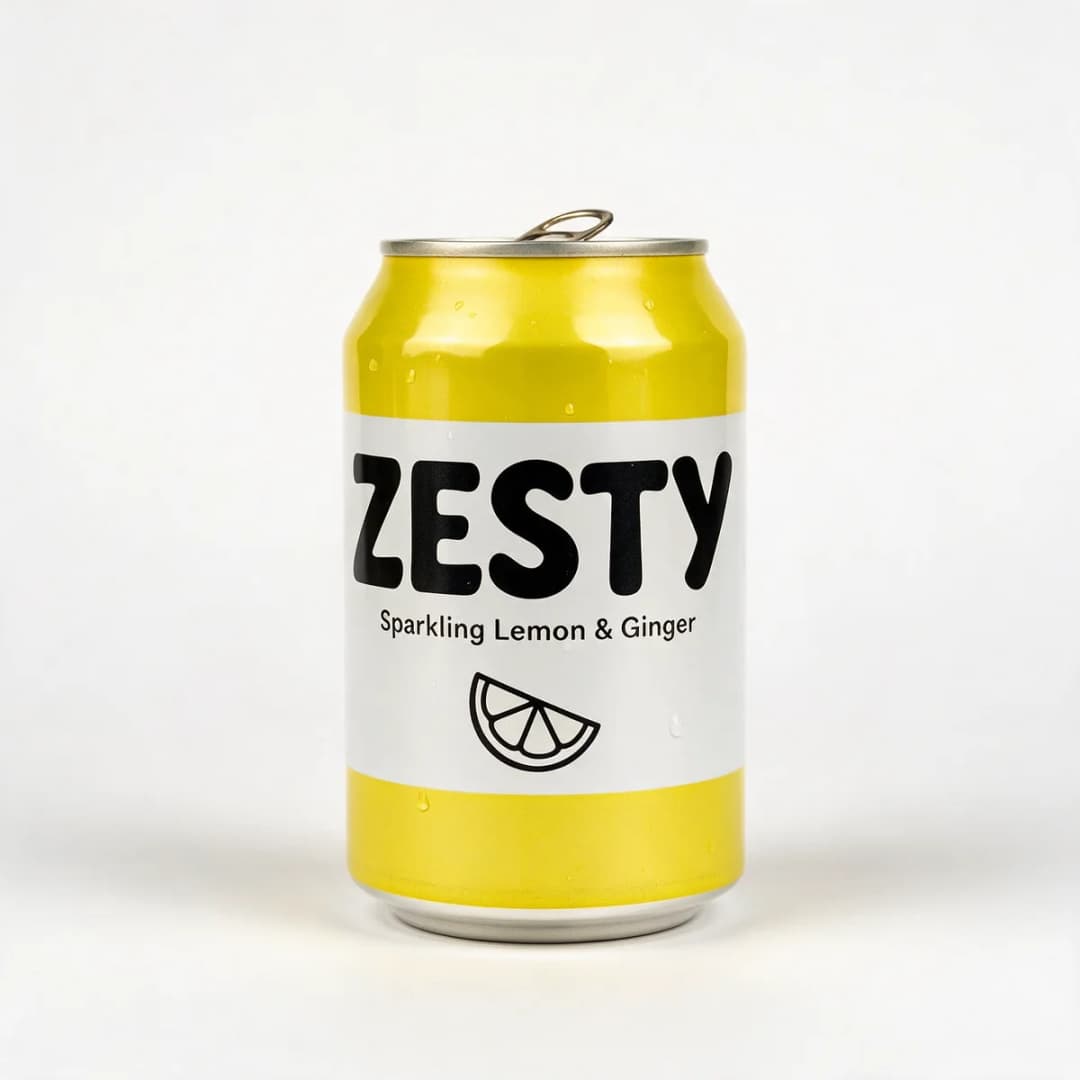
That's why BulkAds treats your product photo as the source of truth. New scenes, props, light and typography are built around it, and a separate check compares every generated ad with your original photo — shape, label, text and colours — before it's shown to you.
What makes a good starting photo
The better the input, the better the batch. You don't need a studio, but you do need:
- One product, centred, fully in frame. No cropping of caps, lids or corners.
- Even, soft light. Harsh reflections hide label details.
- A plain background. White, grey or a single colour. Busy backgrounds confuse the cut-out.
- Sharp focus on the label. If you can read it on your phone, the AI can keep it.
- At least 1000 pixels on the short side.
Our guide to product photos for AI ads covers phone setups, lighting and fixes for tricky products like glass, metal and clothing.
Styles you can make from one packshot
From a single photo, a batch can include:
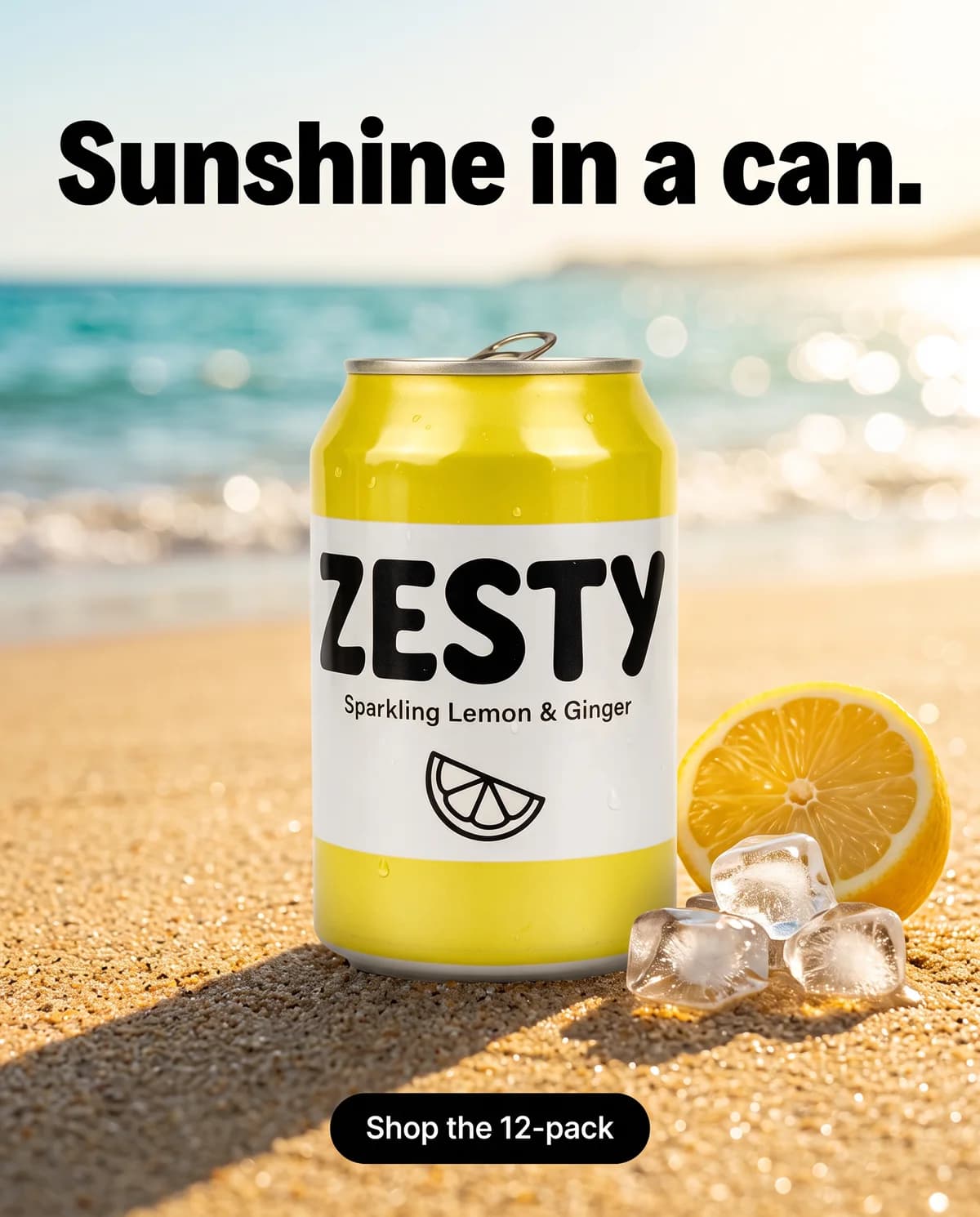
- Lifestyle — the product in the moment it's used.
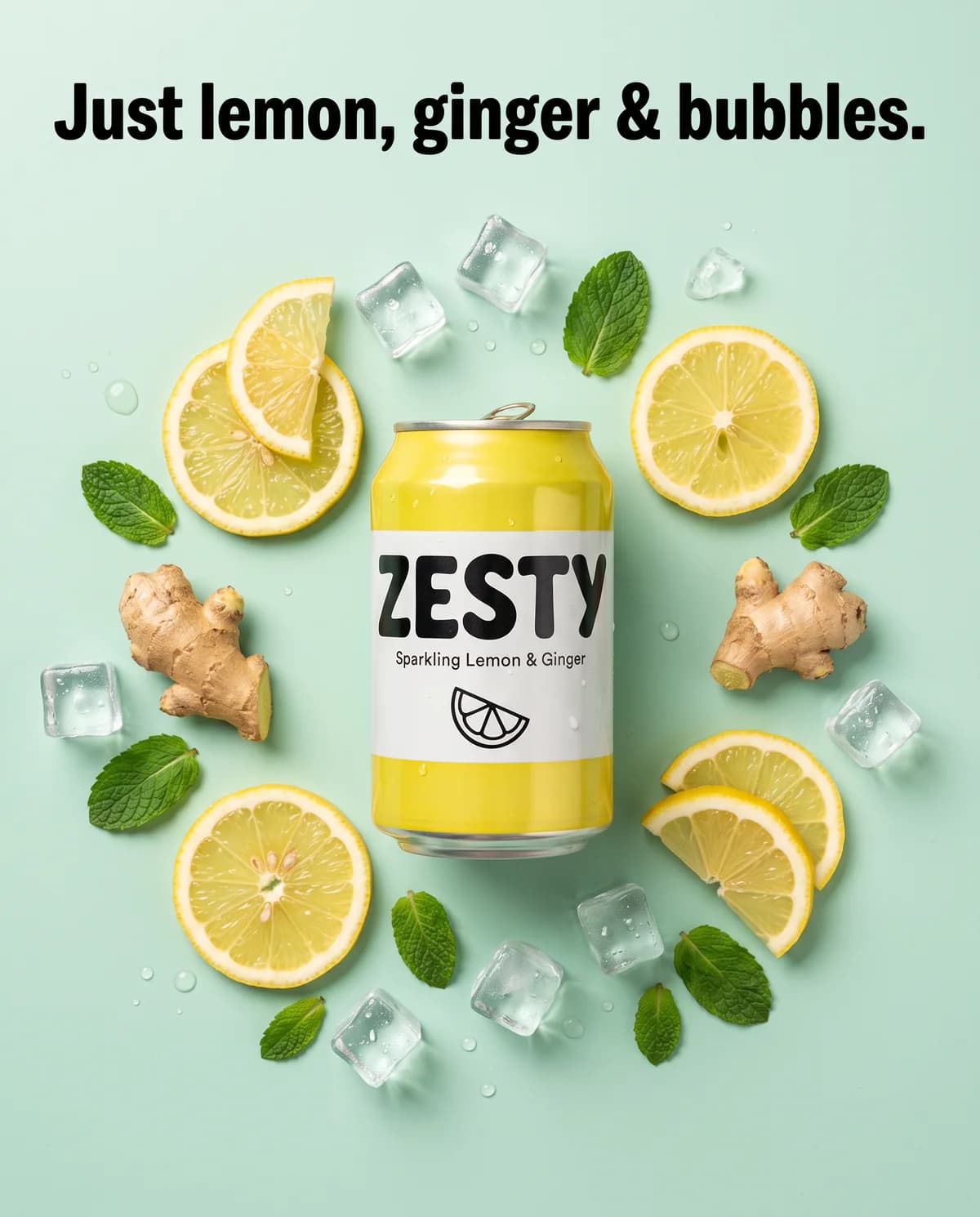
- Ingredient or flat lay — the product surrounded by what's inside it.
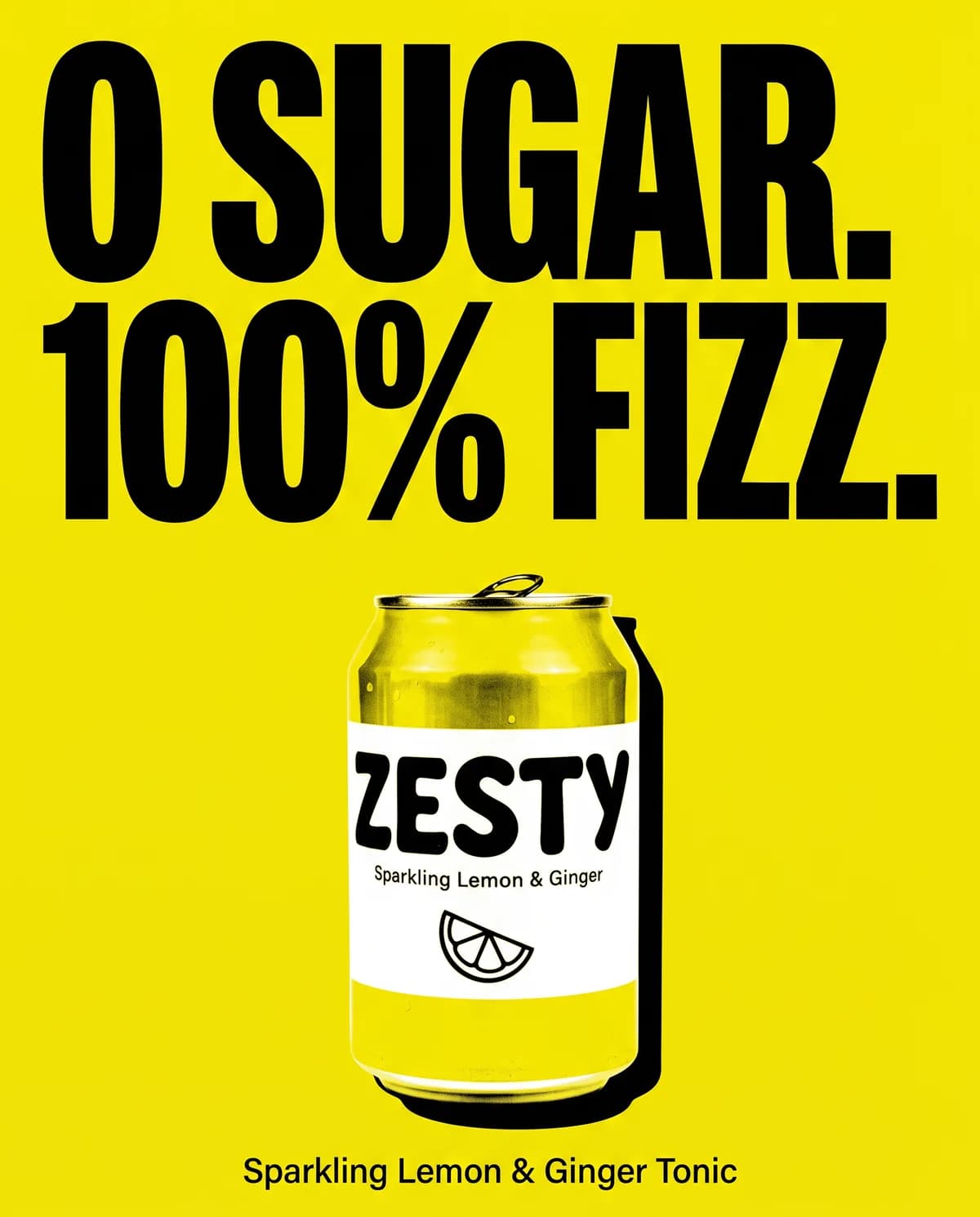
- Bold claim — one big line on a flat colour, product front and centre. See the bold claim template.
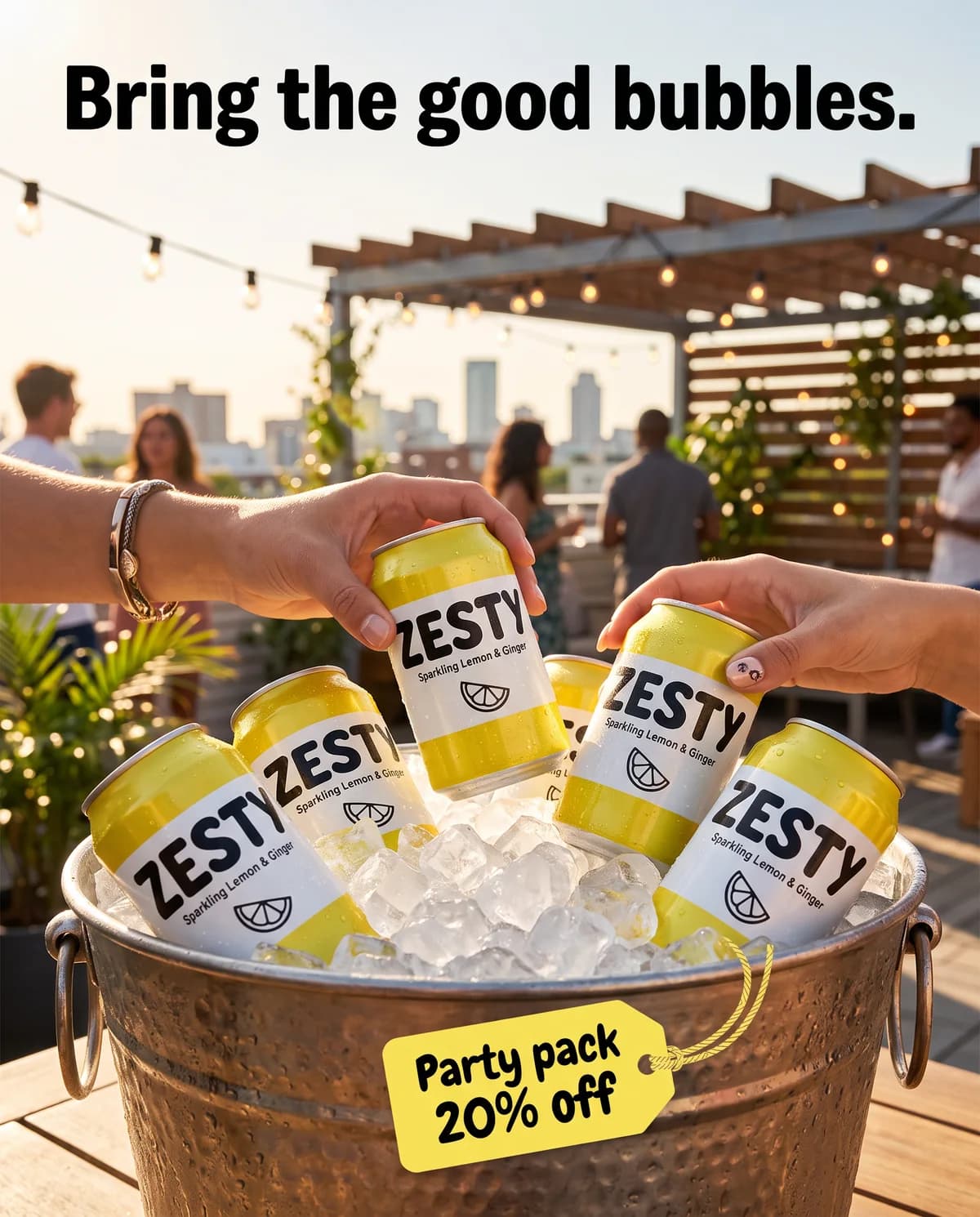
- Offer — a clear deal with the product as hero. See the offer template.
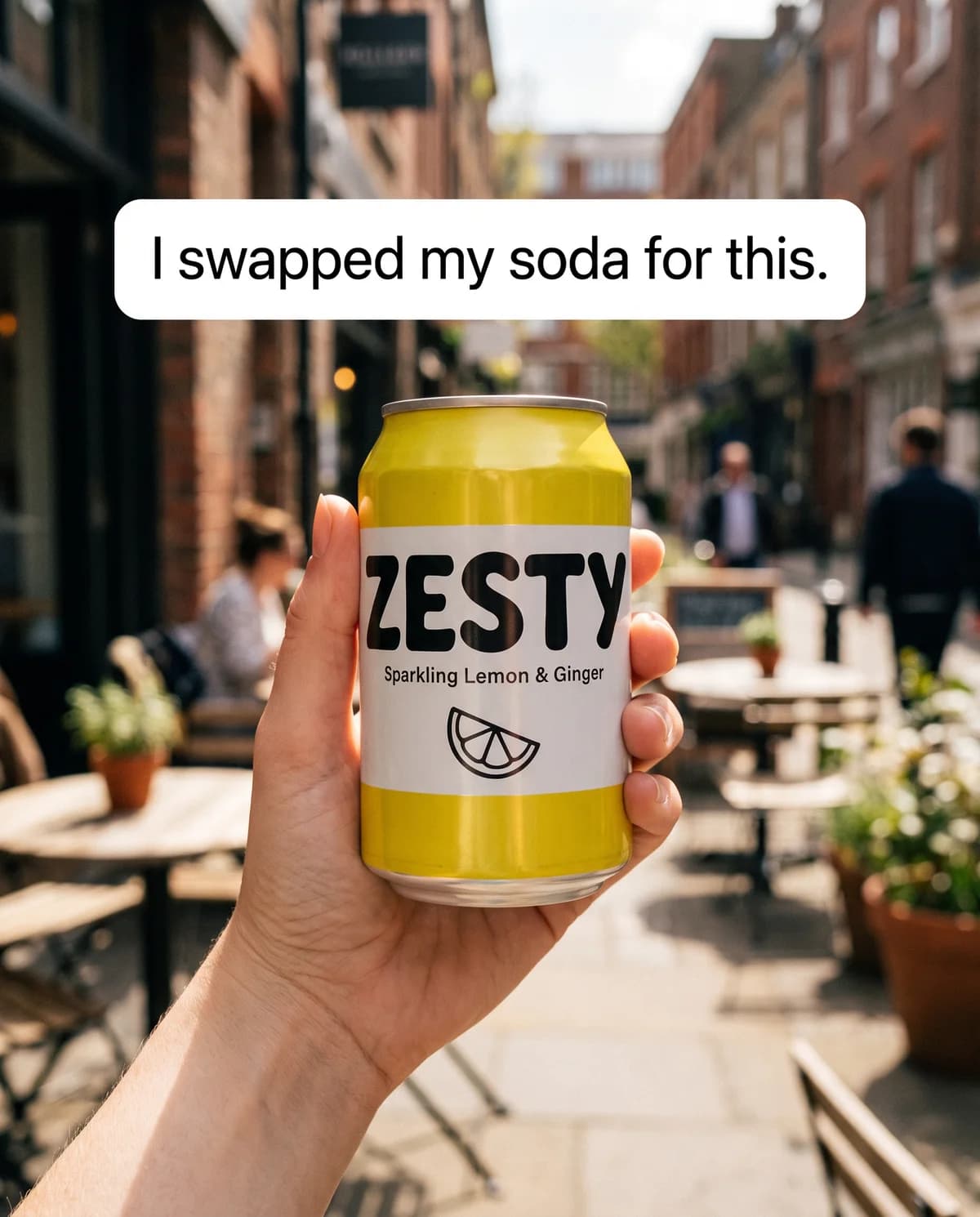
- UGC-style — a hand-held, phone-camera look. See the UGC template.
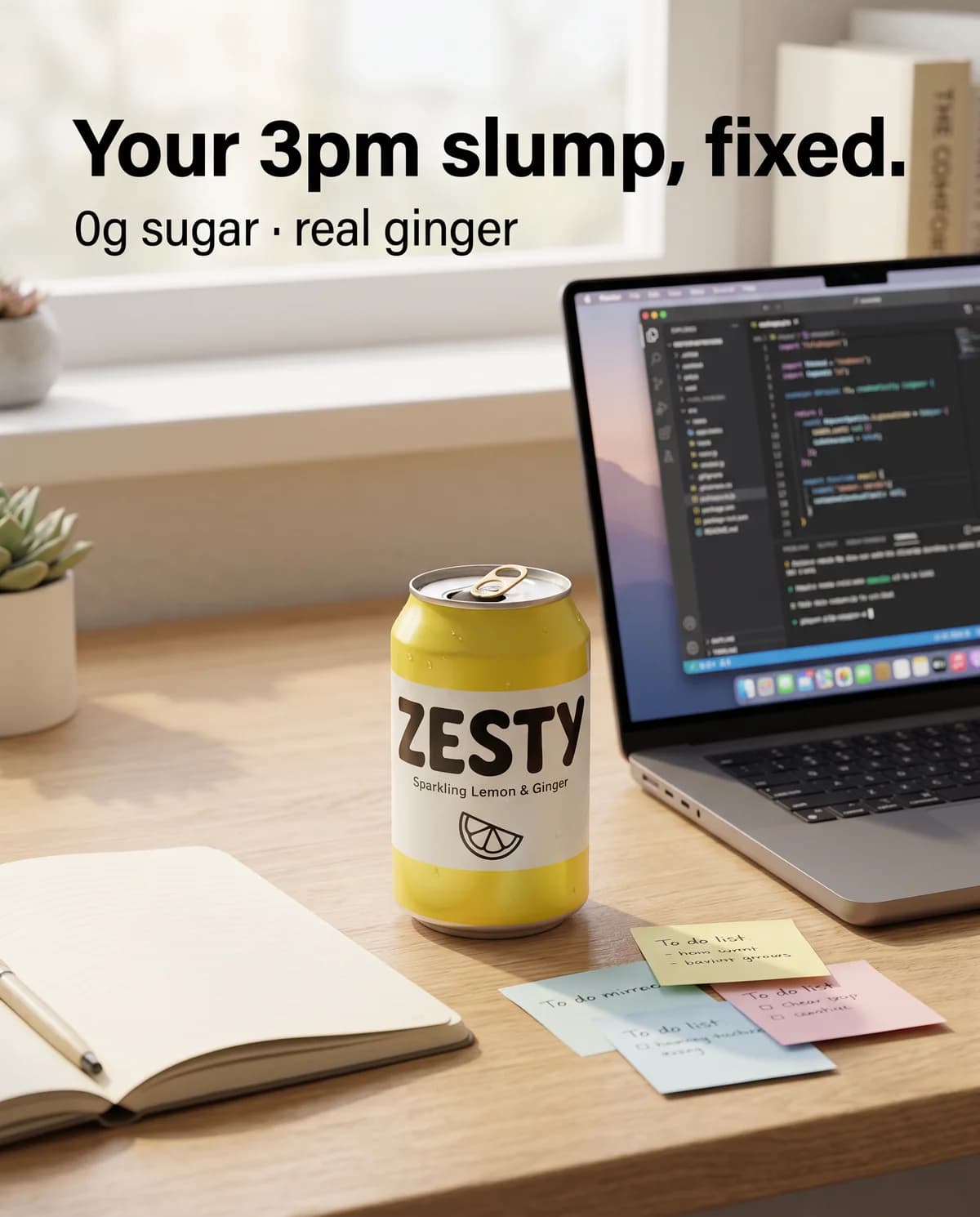
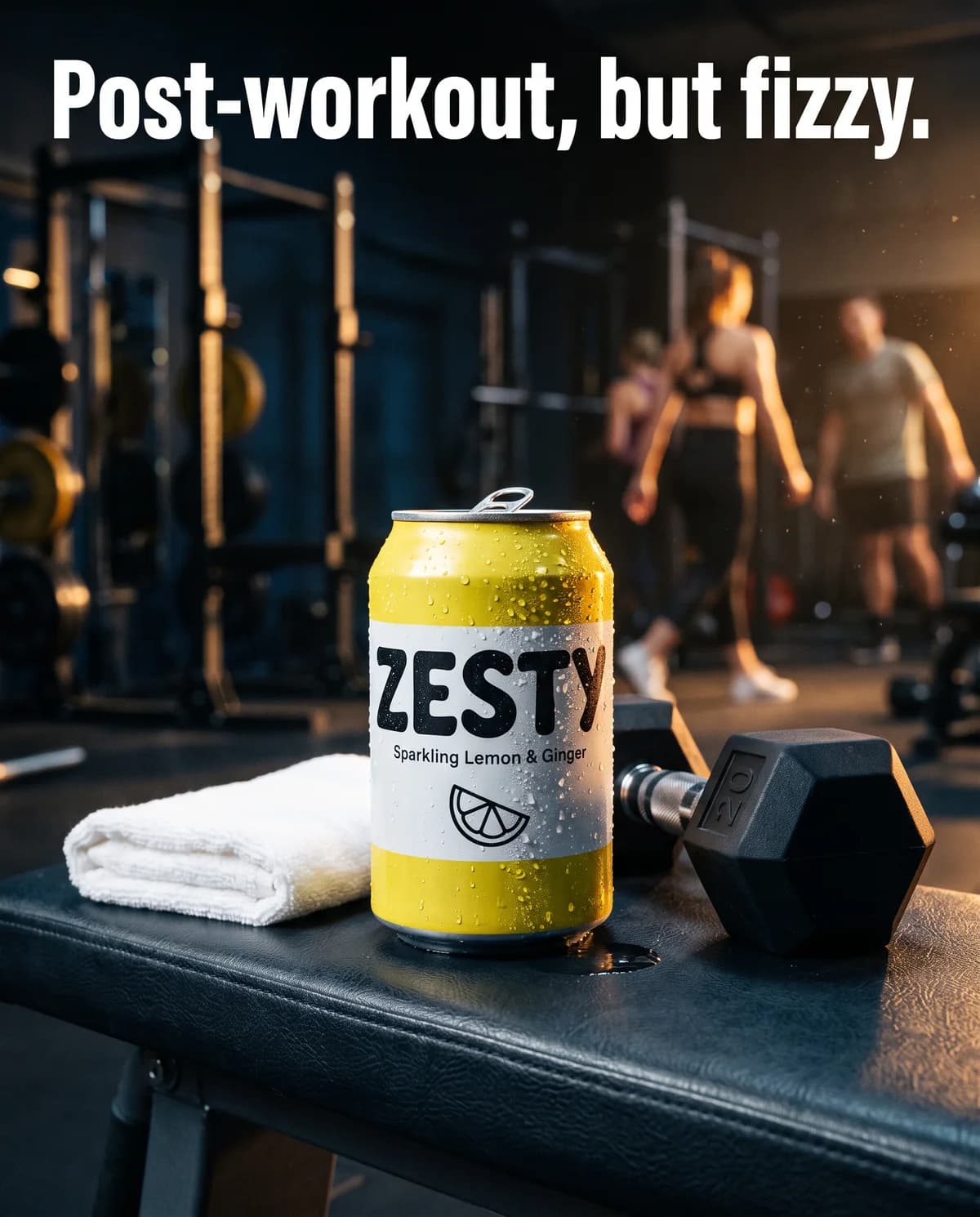
- Occasion — gym, desk, party, travel: wherever your customer is when they need it.
- Social — the product in a group moment.
- Seasonal — festive, summer, back-to-school.
Our ad examples show these styles across ten product categories.
When to use your photo as-is
Sometimes the original photo is the ad: a beautiful lifestyle shot from your last campaign, or a creator photo you have the rights to. Upload it with Upload ad (PNG, JPG or WebP) and BulkAds keeps the image untouched. Add the headline and primary text, let BulkAds rewrite them if you like, and launch it like any other ad. You can also upload finished image ads from your designer and launch them in the same campaign as AI-made ones.
Product photo ads and testing
A single product photo becomes a test the moment you have several honest variations of it. Launch the batch yourself with the bulk ad launcher and read the results in BulkAds, or approve it and let Autopilot run it as one of its own tests, stopping the ads that don't sell and drafting fresh variants of the ones that do. The one photo, twenty ads guide walks through the whole workflow.
Questions people ask
Do you change my product in the ad?
The product is taken from your real photo and placed into new scenes. A separate check compares each ad with your original and flags any ad where the product doesn't match, so drifted versions don't reach your customers.
What if I only have photos on a white background?
That's the ideal starting point. A clean packshot on white is the easiest for the AI to place into new scenes accurately.
Can I use photos from my website?
Yes. When you add your website, BulkAds finds your products and their photos. You can replace or add photos any time.
Does it work for clothing and jewellery?
Yes, with the right photos: flat lays or clean on-model shots for clothing, sharp macro shots for jewellery. Very reflective or transparent products need soft, even light.
Can I skip the AI and use my own photo?
Yes. Upload it as a finished ad (PNG, JPG or WebP), add the headline and primary text, which BulkAds can rewrite, and launch it without any change to the image.
Keep going
- Features
AI ad generator
On-brand image ads in batches of up to 12
- Features
AI video ads
Turn a winning still into a Reel
- Features
Brand kit
Colours, fonts and voice from your website
- Guides
Product photography for ads: how to shoot it on a phone
A phone, a window and a sheet of white card are enough. How to shoot product photos that make good ads — and that AI tools can put in new scenes without mangling your label.
- Guides
Product photo ad ideas: turn one packshot into 20 ads
One clean packshot is enough for a full creative test. Eleven angles, how to brief each one, the sizes and copy to make, and how to launch 20 ads and learn from them.
- Ad templates
Bold claim ad template
One provable fact in giant type, on one flat colour
Prices and credits on this page come from our live plans. Examples use fictional brands and example data.
BulkAds AI is an independent product and is not affiliated with, endorsed or sponsored by Meta Platforms, Inc. Facebook and Instagram are trademarks of Meta Platforms, Inc.