





What a Reels ad has to do
Reels ads appear as people swipe through full-screen vertical video on Instagram and Facebook. Nobody arrives there looking for an ad, and the next Reel is one flick away. So a Reels ad has two jobs a feed image doesn't: look like it belongs among the videos around it, and give people a reason to stay past the opening moment.
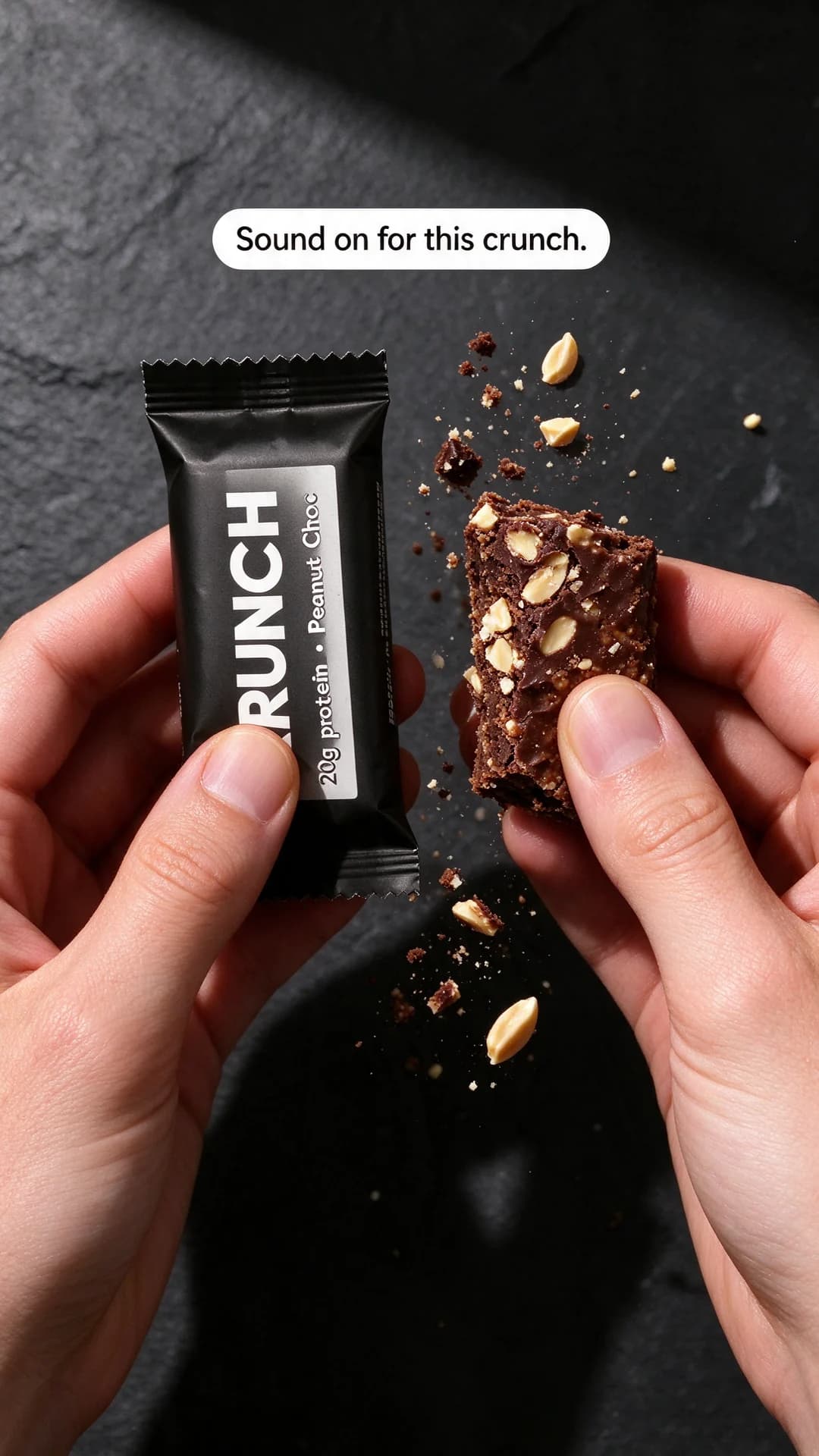
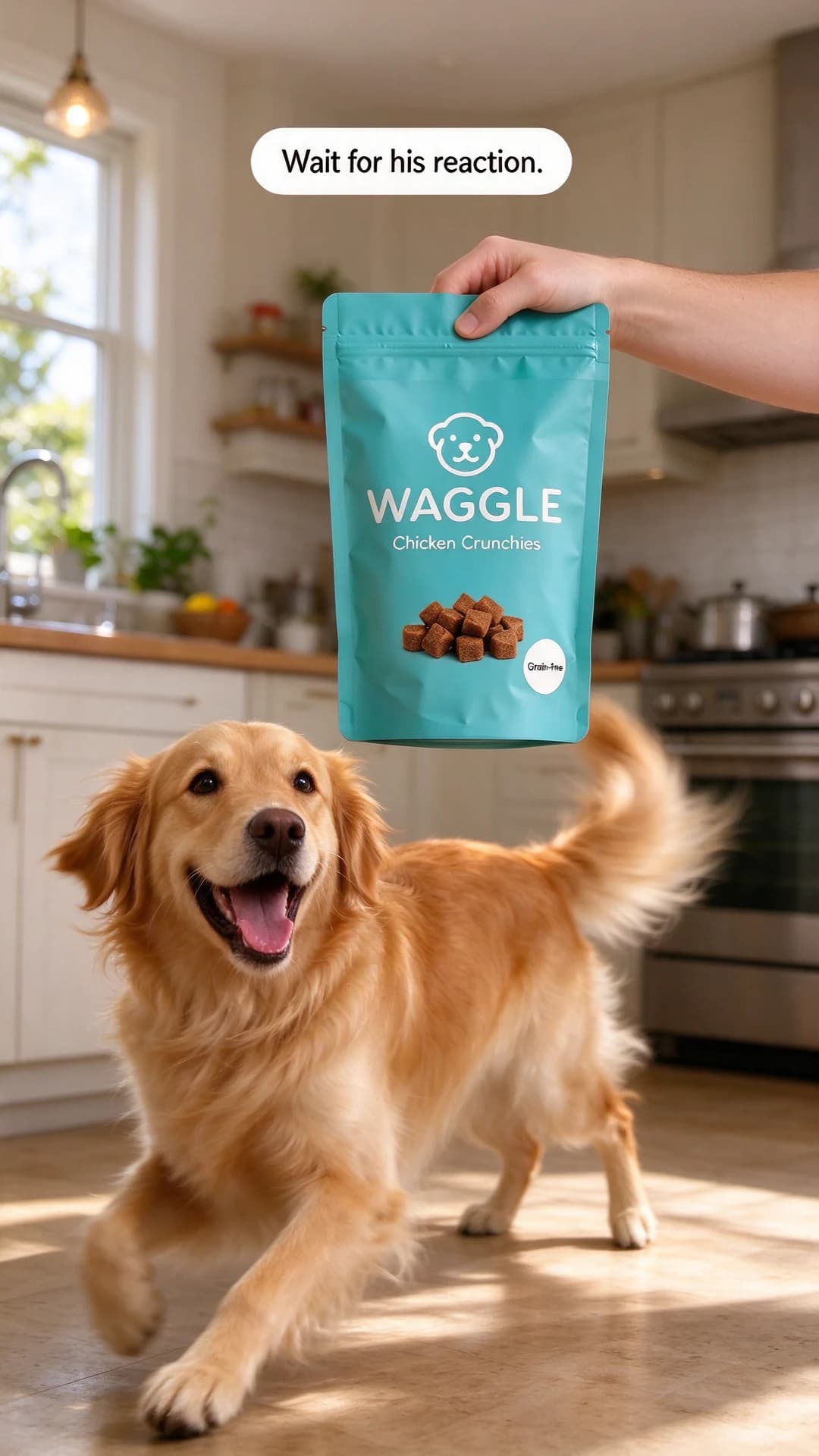
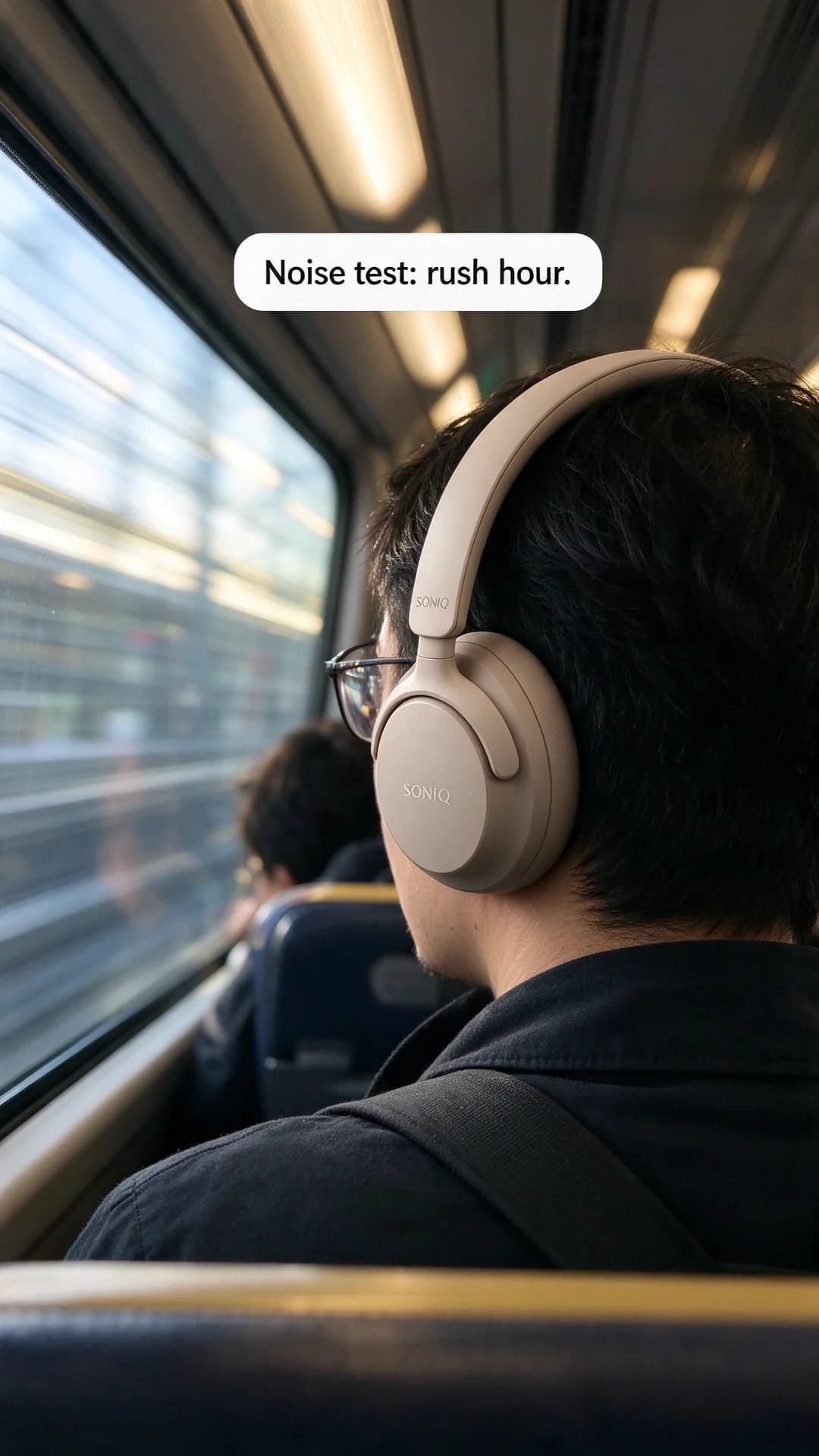
The eight examples above do that in different ways. Some show a process, like the chai turning from dark to amber. Some hand the viewer a point of view, like the first run of the year. Some lean on sound, like the Krunch snap and the rush-hour test. Some promise a payoff, like the dog's reaction or the empty corner being filled. None of them opens on a logo or a slow fade.
The first frame is the ad most people judge
Before anything moves, there's a frame on screen. Treat it as a static ad in its own right, with the product visible, the brand readable and the hook in a caption. The poster frames on this page are built that way, which is why they still read as a set of stills. If your opening frame needs the second frame to make sense, rebuild it. The guide to the video ad first frame goes deeper on choosing and testing it.
Then plan the next few seconds as a run of small payoffs:
- Frame one: the hook in a caption, with the product in shot.
- The first beat: something changes, such as a pour, a snap, a lid lifting or a first stride.
- The middle: the proof, shown rather than told.
- The end: the product and the reason to buy, held long enough to read, and ideally flowing back into frame one so the loop feels seamless.
Sound on, built for sound off
As of October 2026, Meta's Reels ads page (opens in a new tab) says Reels default to sound on, and that ads play with sound unless the viewer has turned the sound setting off. The same page says Reels ads with the key message in the safe zone, quality audio and vertical video see better results. It also lists music as an Advantage+ creative option, set at the ad level in Ads Manager: Meta's AI can pick a song from a royalty-free library, or you can choose up to five songs yourself.
That makes sound a real creative tool here, in a way it isn't on every placement. A crunch, a pour or a sudden silence can be the hook. But some people still watch muted, so the ad has to survive without audio: captions for anything spoken, on-screen text for the key moment and visuals that tell the story by themselves. Captions for video ads covers how to write and place them.
Keep the important parts where the interface isn't
A Reels ad sits under the same interface as any other Reel, with a caption and profile area near the bottom, buttons down one side and controls at the top. Anything important placed there can end up covered. Keep the product and the captions in the middle of the frame, check every poster frame with the safe zone checker, and make a true vertical version rather than trusting a feed video to crop well. If you run a still image in Reels, the same Meta page says image expansion can use generative AI to extend it to 9:16. It's handy, but it leaves the edges of your ad up to Meta.
How BulkAds makes Reels ads
BulkAds makes Reels ads by turning an image ad into a short video. You start from an image, ideally one that already sells, choose 9:16, and AI video ads adds a few seconds of gentle motion: steam rising, light moving across a label, a slow push in. The product and on-image text come from the image ad, so they stay steady and readable while the scene moves. The image to video entry explains the technique behind it.
Those clips are product-first, with no talking person and no voiceover. For a demo with a creator's hands, a POV filmed on a phone or a spoken review, you still need to shoot it and run it from Meta Ads Manager, with the BulkAds clips and stills tested alongside it. To give a BulkAds clip a soundtrack, use a track you're licensed to use in ads, or look for Meta's music option at the ad level when you review the paused ads in Ads Manager.
Each video ad uses 20 credits, against 2 for an image ad. That's why the sensible rhythm is images first and video second. As a worked example, three Reels made from your three best statics use 60 credits, while thirty new image ads would use 60. Spend the cheaper credits finding the angle, then spend video credits on the angles that have earned it. The bulk ad launcher puts the Reels into your ad account paused, next to their original statics, so you can compare the same idea in two formats.
A worked example: one offer, one Reel
Say Waggle runs a first-bag offer at $3.10. Filmed on a phone, the reaction Reel above could play like this:
- 0 to 1 second: "Wait for his reaction." over the dog watching the pouch.
- 1 to 3 seconds: the pouch rustles and the dog spins, with the sound doing the work.
- 3 to 5 seconds: a hand offers one treat, with the pouch label turned to the camera.
- 5 to 6 seconds: "First bag $3.10" as a caption, with the same price and its terms repeated in the primary text.
The price comes at the end, not the start, because the opening second belongs to the hook. Repeating it in the primary text means people who swipe away before the last beat still see it. UGC-style ads and Story ads cover the neighbouring vertical formats, and the POV template turns the Pacer idea into a reusable layout.
Questions people ask
What makes a good Reels ad?
An opening frame that works as a still, something that changes in the first second, proof shown rather than told, and an ending that names the product and the reason to buy. It should look at home among ordinary Reels, not like a television spot.
Do Reels ads need sound?
They should be built for it, because as of October 2026 Meta says Reels play with sound on by default. Some people still watch muted, though, so caption anything spoken and make sure the visuals tell the story on their own.
Can I run an image ad in Reels?
Yes. Meta can extend a still image to the vertical frame with image expansion, according to its Reels ads page. A proper 9:16 version usually looks better, and turning a winning image into a short video is often the next step.
Can BulkAds make Reels ads?
Yes. BulkAds turns an image ad into a short 9:16 video with gentle motion, keeping the product and on-image text steady. It doesn't make talking or creator-filmed videos, and video files can't be uploaded to it, so run filmed clips from Meta Ads Manager next to the BulkAds ones.
Are Pacer, Mira, Waggle and the other brands real?
No. Every brand here is fictional, and each poster frame was made with AI to show how the Reel would open.
Keep going
- Features
AI video ads
Turn a winning still into a Reel
- Free tools
Reels & Stories safe zone checker
See what Reels, Stories and feed crops may cover on your ad
- Guides
The first frame of a video ad: what to show, and how to test it
The opening frame is all many viewers see. What to put in it, five openings that suit product ads, the ones that waste a second, a checklist and a cheap way to test them.
- Guides
Captions for video ads: how to write, style and add them
Burned-in or SRT, word for word or trimmed, where they go in a vertical frame: how to caption video ads that work with the sound off, with a timed line-by-line example.
- Ad templates
POV ad template
The camera where the viewer's eyes would be, the product mid-use
- Ad templates
Unboxing ad template
The box open, everything inside named, the viewer on the receiving end
Every brand on this page is fictional and every ad was made with AI for illustration — they’re examples, not case studies.
BulkAds AI is an independent product and is not affiliated with, endorsed or sponsored by Meta Platforms, Inc. Facebook and Instagram are trademarks of Meta Platforms, Inc.