Two ways to swap a background
There are two ways to put a product photo in a new place, and they go wrong in opposite ways.
The first is a composite. You cut the product out with background removal and lay it over a new photo. Every pixel of the product stays yours, but the light on it was set for a white studio, so it often looks pasted on: a shadow falling the wrong way, no shadow at all, or a thin pale halo around the edge.
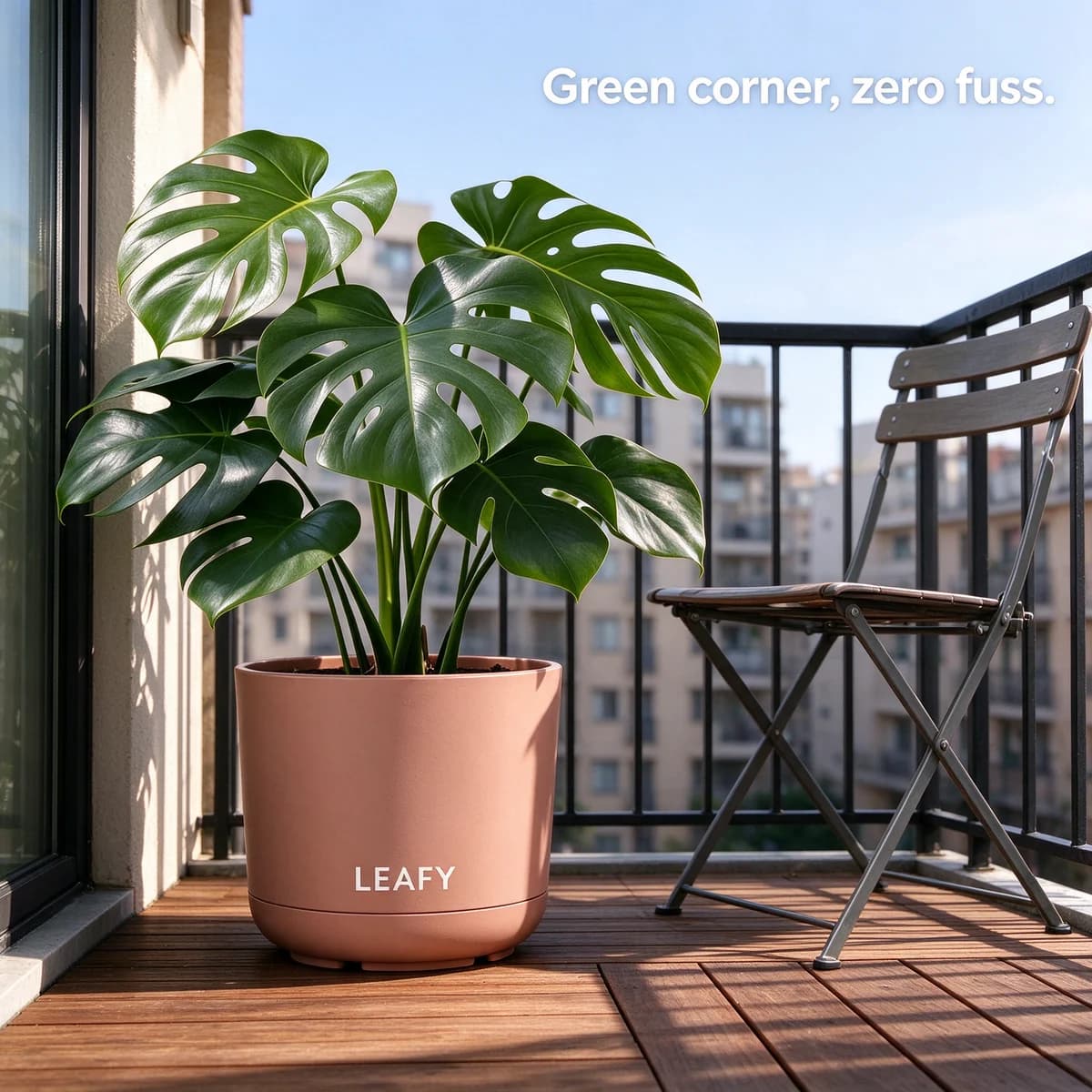
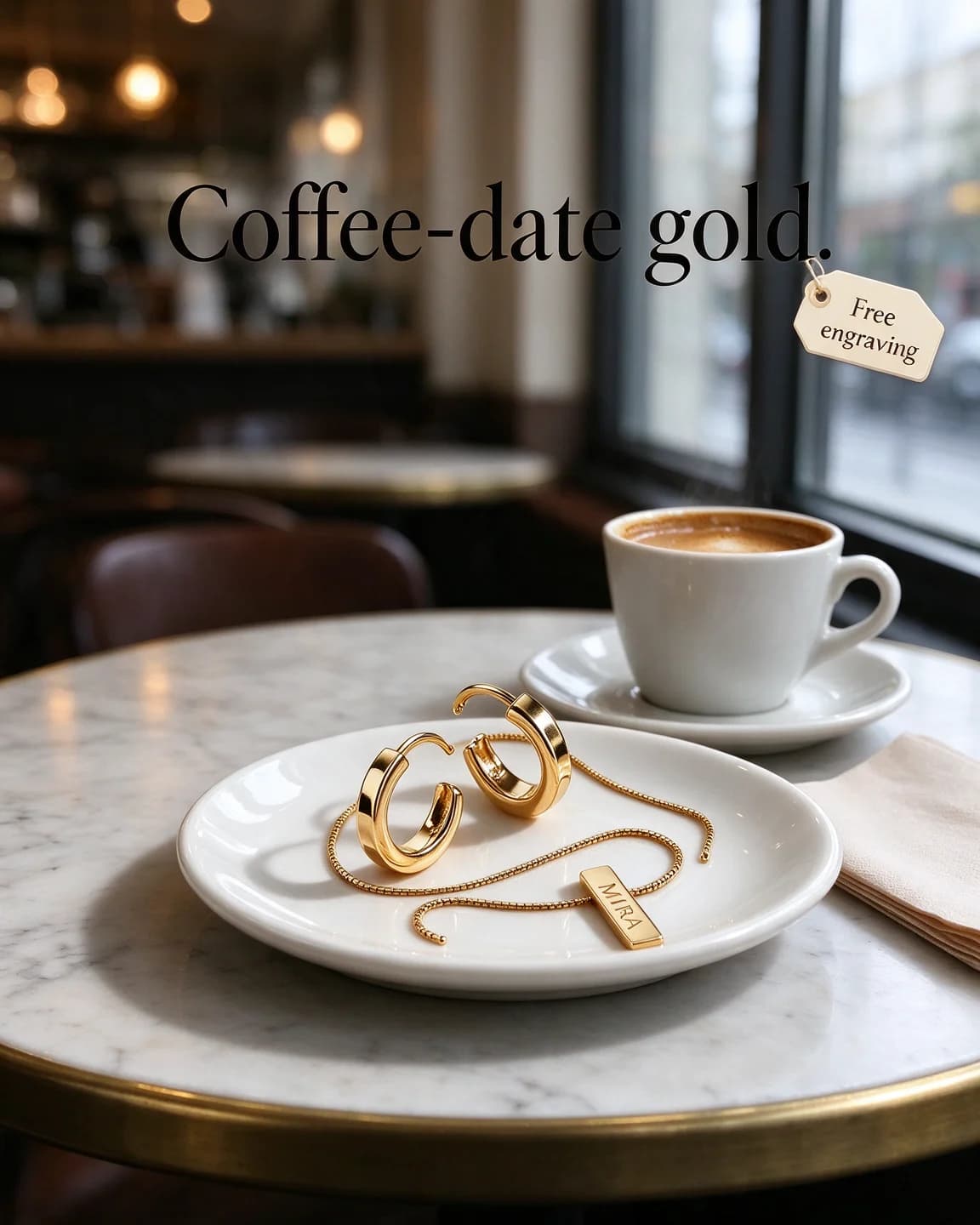
The second is an edit model, which is what we used for every prompt on this page. It redraws the whole picture with your photo as the reference, so the light, the reflections and the shadows can belong to the new place. The trade-off is that small details, such as fine print or a tiny engraving, can shift. You get a more convincing scene and a product that needs checking.
The three things that sell a swap
Angle
The camera has to see the product from the same height and direction as the reference. A tin shot straight on can't sit on a counter seen from above. Look at your packshot, name its angle, and write that angle into the prompt. If the scene you want needs a different angle, shoot a new reference rather than asking the model to turn the product.
| Angle of your packshot | Scenes it sits in naturally | Scenes that will look wrong |
|---|---|---|
| Front-on at eye level | Kitchen counters, shelves, bedside tables, shop displays | Anything seen from above, such as a desk or a picnic rug |
| Three-quarter from slightly above | Desks, dining tables, café tables, car seats | Tall shelves or eye-level counters |
| Straight down from above | Beds, sand, towels, worktops, flat lays | Any scene with a horizon or a wall |
| Low side view | Floors, steps, decks, pavements | Table tops seen from a standing height |
Light
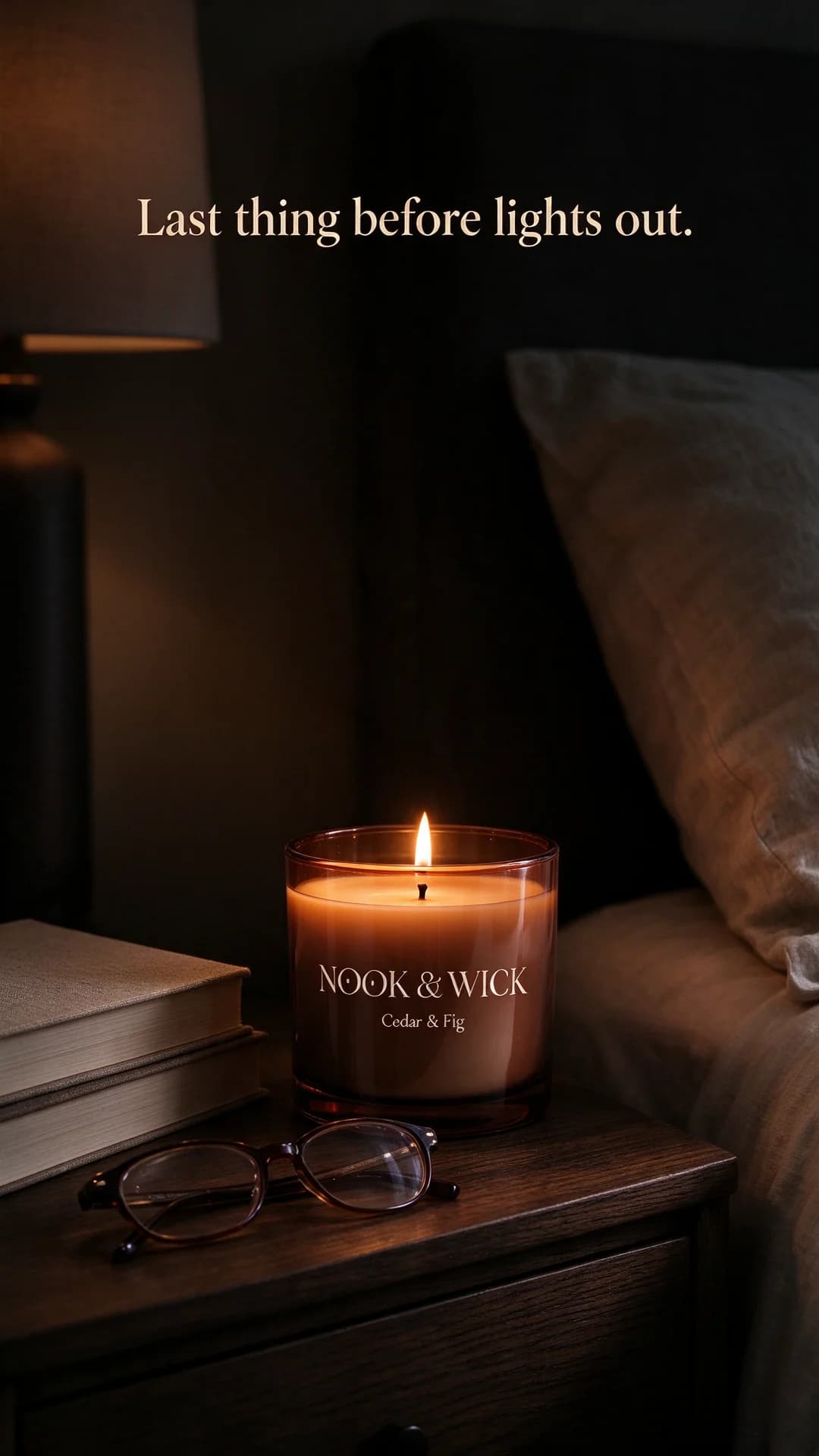
The light in the new place has to match the light on the product, or the prompt has to ask for the product to be relit. Soft studio light sits well in daylight scenes. A dark room needs the product relit from a source inside the scene, as in the candle prompt.
Contact and scale
Where the product touches the surface there should be a small, dark shadow. Without it, products float. And because a white background has no size, a product can come back too big or too small. Put one familiar object beside it and say how big the product is next to it.
Clean up the reference first
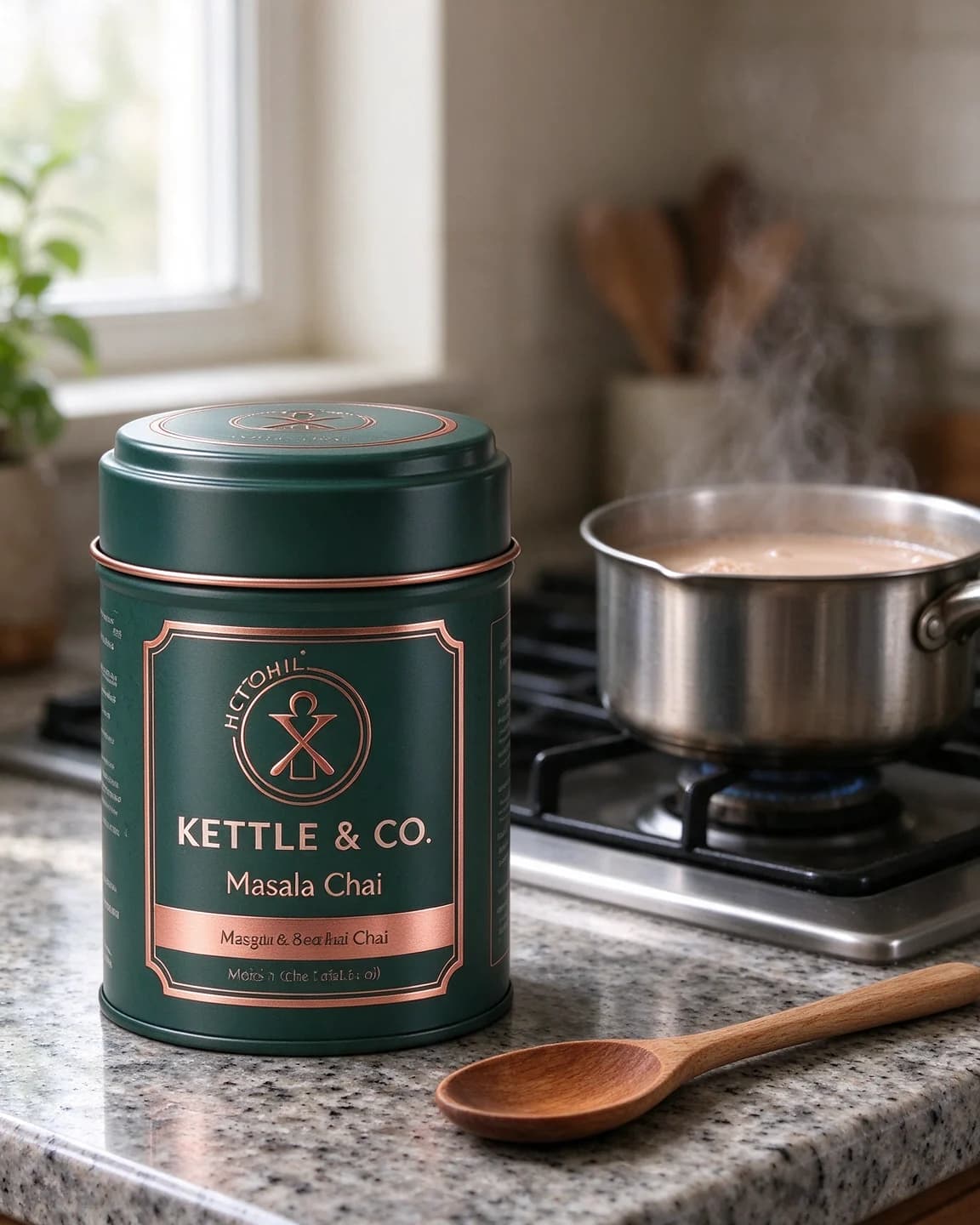
An edit copies what it is given. Our KETTLE & CO. packshot is a fair warning. The brand name and "Masala Chai" read cleanly, but the small print on the copper band and the ring of letters around the emblem are garbled, the half-made words an image model leaves behind when text is tiny. The keep sentence tells the edit to copy the label exactly, so the garble moves into the new kitchen with the tin. If your reference has a dent, a smudge, a crooked label or print you can't read on a phone screen, fix it in the photo first. It is quicker than fixing every output. Our guide to product photos for AI ads covers how to shoot one worth reusing, and the lifestyle product photo prompts page has more scenes to put it in.
What a set of scenes is worth
A swap is not a replacement for a real shoot when the shoot is the point, such as a campaign with people, food being cooked or a product in motion. It is a fast way to find out which places are worth shooting properly. Our guide to what an ad creative costs compares the other ways of getting there.
Background swaps in BulkAds without prompts
In BulkAds this is the everyday job of product photo ads. Your product photo comes from your website or your upload, and each ad in a batch places it in a new scene or layout, such as a desk, a beach, a flat lay or a bold colour block. A product-match check compares every output with your original photo, shape, label, text and colours, and flags any ad where the product drifted. Want a particular place? Add it as an instruction, such as "home kitchen, morning light, lead with real spices". If the photo you have is already right, upload it as it is with Upload ad and add your copy, which BulkAds can rewrite. Either way, the ads go to Meta through the bulk ad launcher, paused until you approve them.
Questions people ask
Is background replacement the same as background removal?
No. Removal cuts the product out and leaves it on a transparent or plain background. Replacement puts it somewhere new. Removal is often the first step of a composite, while an edit model does the whole replacement in one go.
Why does my product look pasted onto the new background?
Usually one of three things: the camera angle doesn't match, the light comes from a different side, or there is no shadow where the product meets the surface. Fix them in the prompt in that order.
Will the AI change my product when it swaps the background?
It can, especially small text and fine details. Compare every output with your original photo at full size, and run the prompt again if anything on the label has moved.
What makes a good new background for a product ad?
A place where the product is really used, kept slightly out of focus, with props that carry no other brands. A tea tin beside a simmering pan says more than the same tin on a random marble slab.
Can I replace the background of a photo that already has a busy scene?
You can, but results are cleaner from a product on a plain background. With a busy original the model has to guess where the product ends and the old scene begins.
Keep going
- Features
Product photo ads
Your real packshot, in every scene
- Features
Bulk ad launcher
A whole batch live on Meta in one go
- Guides
Product photography for ads: how to shoot it on a phone
A phone, a window and a sheet of white card are enough. How to shoot product photos that make good ads — and that AI tools can put in new scenes without mangling your label.
- Prompt library
Lifestyle product photo prompts
Four lifestyle product photo prompts and their images: coffee at a dawn campsite, headphones on a late-night sofa, a dog-walk Story and a 4pm chai break.
- Prompt library
Studio color backdrop prompts
Four studio color backdrop prompts with outputs: a tonal teal set, a two-tone Story, a dark wrapper on bright paper and a window shadow, with notes on each.
- Glossary
Background removal
Background removal is the step that separates a product or person from the rest of a photo, leaving a clean cut-out on a transparent or plain backdrop that can then be placed into a new scene, layout or colour.
Every image on this page was made with AI from the prompt beside it. Model names are the ones BulkAds used, and results vary from run to run.
BulkAds AI is an independent product and is not affiliated with, endorsed or sponsored by Meta Platforms, Inc. Facebook and Instagram are trademarks of Meta Platforms, Inc.